Most organizations should keep 5–15% of their managed device fleet as spare or loaner laptops, depending on sector. K–12 schools typically need 10–15%, universities 3–8%, and enterprise IT teams 3–5%. But those percentages assume a fixed variable that isn't fixed at all: how long each device stays out of circulation when something goes wrong.
Smarter loaner management — specifically, faster device turnaround — often means you need fewer spares than those benchmarks suggest.
What counts as a "spare" laptop?
The terms spare, loaner, and hot-swap get used interchangeably, but they describe different demand patterns — and that changes how you size your pool.
|
Term |
Definition |
Typical loan duration |
Who it's for |
|
Loaner |
A temporary device issued while a user's primary device is repaired or replaced |
1–14 days |
Students, employees awaiting repair |
|
Hot-swap |
A pre-configured device held ready for immediate, no-wait handoff |
Hours to a few days |
High-priority users: executives, frontline staff, exam takers |
|
Buffer stock |
Devices held in reserve to cover predictable demand spikes |
Days to weeks, seasonal |
New-hire cohorts, exam periods, semester starts |
Most IT programs need a pool that covers all three scenarios simultaneously. The sizing challenge is that demand across these categories overlaps and peaks at the same time — which is exactly why a single flat percentage fails in practice.
The two variables that actually determine your number
Most spare-pool recommendations focus on one input: how often devices fail. The number of spares you need at any given moment is actually driven by two variables working together.
Failure rate — how often devices go wrong
In K–12 environments, research consistently shows 8–12% of devices sustain some form of damage annually, with the range running as low as 2% in tightly managed programs and as high as 25% in high-incident environments. LocknCharge's own primary research found that nearly 60% of school technology leaders manage one to 10 broken devices every single week.
Enterprise laptop fleets experience lower incident rates — typically 3–7% annually — but the financial stakes per incident are higher. According to a CloudSecureTech analysis of US Bureau of Labor Statistics wage data, for every minute a single employee is without a working device, the average business loses $0.67 in wages. Across a 100-person organization experiencing 15.3 minutes of average daily device-related downtime, that's over $1,025 in wage loss per day — before a single IT hour is counted.
Repair duration — how long each spare device is "in use"
This is the variable most IT teams ignore, and it's the one that changes your required pool size the most.
Your spare pool isn't just covering how many devices fail — it's covering how long each failed device is out of circulation. Based on published service terms, manufacturer depot repairs for major enterprise laptop brands typically run 7–15 business days, subject to parts availability. Local in-house repair can bring that to one to three days.
A school with 1,000 devices and a 10% annual damage rate has roughly two incidents per week. At a five-day average repair time, two devices are in repair at any given moment — so a pool of three to four spares covers normal demand comfortably. Swap in a 15-day manufacturer repair window and that same school needs six to eight spares to maintain the same service level — nearly double — for identical failure rates.
Repair duration is the multiplier. Failure rate is just the starting point.
How to calculate your spare laptop pool: a four-step framework
Copy this framework and fill in your own numbers.
|
SPARE POOL SIZING FRAMEWORK |
|
|
Step 1. Establish your daily failure rate |
|
|
Step 2. Establish your average repair duration |
|
|
Step 3. Calculate average simultaneous demand |
|
|
Step 4. Add your peak buffer |
|
Example — 500-device K–12 school:
- 500 devices × 10% annual rate = 50 incidents/year ÷ 250 days = 0.2/day (D)
- Repair duration: 10 days (E)
- Simultaneous demand: 0.2 × 10 = 2 devices (F)
- With 30% buffer: 2 × 1.3 = 3 spares minimum
- With 15-day manufacturer repair: 0.2 × 15 × 1.3 = 4 spares minimum
Run this with your actual repair duration before setting a budget. The difference between a five-day and 15-day repair window can double your required pool size — or halve it, if you invest in faster repair capability.
Spare laptop ratios by sector
These benchmarks reflect real-world practice across the three sectors where spare pools are most common. Use them as a starting point, then refine with the four-step framework above.
|
Sector |
Recommended ratio |
Primary driver |
Adjust upward if… |
|
K–12 schools |
10–15% of student device fleet |
High incident rate, long repair windows, morning demand spikes |
Fleet is 3+ years old; repairs are outsourced to manufacturer |
|
Higher education |
3–8% of managed fleet |
Seasonal peaks; high-value assets; lower base incident rate |
Heavy exam periods; library or lab loan programs run at scale |
|
Enterprise / workplace |
3–5% of managed fleet |
Lower incident rate; remote workforce adds shipping time |
Depot-based repair model; distributed or hybrid workforce |
K–12 note: LocknCharge's research found nearly 60% of school leaders manage multiple broken devices every week, and CoSN's 2025 EdTech Leadership Survey found nearly 40% of districts operate on a three-to-four-year device refresh cycle — meaning fleets age toward higher failure rates over time. Schools in year three or four of a refresh cycle should plan at the upper end of the 10–15% range.
Higher education note: Size your standing pool for average demand, not peak. Establish a clear overflow plan — a vendor-held emergency stock or a fast-procurement arrangement — for exam periods rather than holding excess devices year-round.
Enterprise note: Remote and hybrid workforces extend your effective repair duration because a device that fails off-site needs to be shipped before diagnosis even begins. Add round-trip shipping time to your repair duration estimate in Step 2 of the framework above.
How repair turnaround time changes everything
The table below applies the four-step framework to show how identical failure rates require very different pool sizes depending on repair model. All examples assume a 500-device fleet, a 10% annual damage rate, and a 30% peak buffer.
|
Repair model |
Avg. repair duration |
Minimum spare pool |
Pool as % of fleet |
|
In-house, same day |
1 day |
1 device |
0.3% |
|
In-house, 3 days |
3 days |
1–2 devices |
0.3–0.4% |
|
Third-party local shop |
5 days |
2–3 devices |
0.5% |
|
Manufacturer depot (standard) |
10 days |
3–4 devices |
0.8% |
|
Manufacturer depot (extended) |
15 days |
4–5 devices |
1.0% |
|
Parts shortage / backlog |
20+ days |
6+ devices |
1.3%+ |
The practical implication: improving your repair turnaround from 15 days to five days — through in-house repair capability or a local repair partner — can reduce your required spare pool by 30–40%. That's hardware you don't need to buy, stock, charge, and maintain.
Why how you manage loaners changes how many you need
Two IT programs can have identical failure rates, repair durations, and fleet sizes — and still need different numbers of spare devices, based entirely on how efficiently each program cycles devices back into service.
In a manual loaner process, a returned device sits until IT staff get to it: logging the return, inspecting the device, reimaging it, charging it, and marking it available. That process can take 24–48 hours — during which the device is physically present but functionally unavailable. Every hour of idle time is capacity your spare pool isn't delivering.
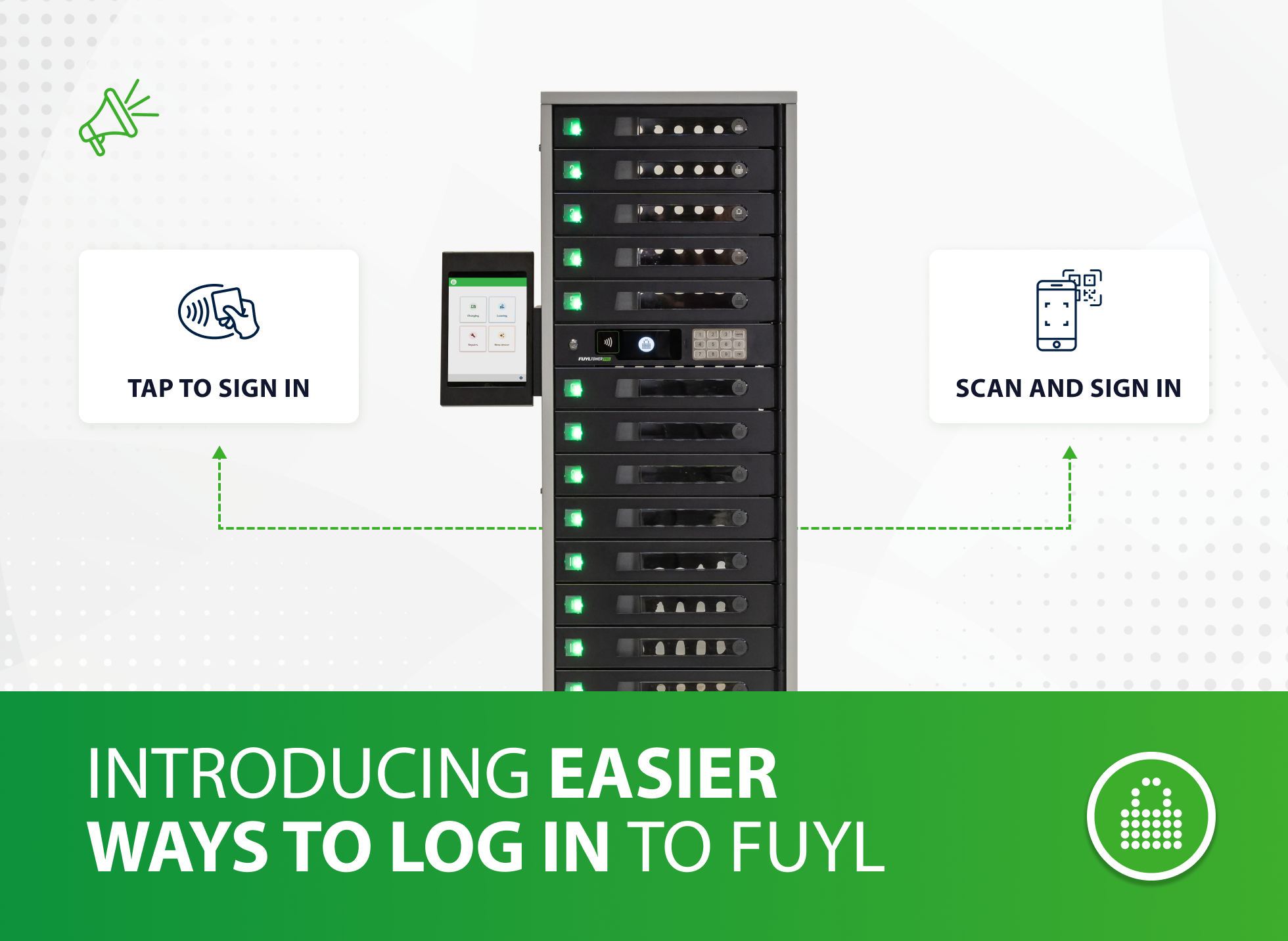
Self-service smart locker systems eliminate most of that idle time. When a user returns a device to a smart locker, the return logs automatically and the bay is immediately ready for the next transaction. IT staff inspect and reimage on their own schedule rather than in response to a queue.
LocknCharge's customer research found that without automation, IT teams spend 2–2.5 hours daily on device management tasks. With smart lockers, each transaction takes minutes — delivering an 80% reduction in IT help desk time spent on device handoffs. Schools using LocknCharge smart lockers reclaim up to 360 IT hours and 200 instructional hours annually — time that previously went to manual checkout, logging, and chasing returns.
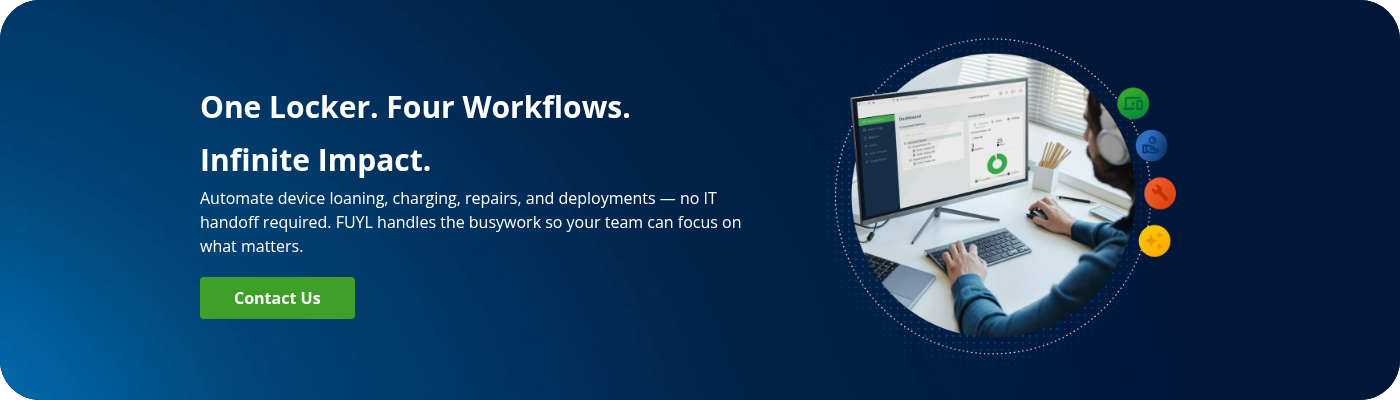
Faster cycling means your existing spare pool works harder. A pool that works harder is a pool you don't have to expand.
Dynamic Bays: Doubling locker capacity without adding hardware
Smart locker systems increase spare pool efficiency by reducing idle time between loans. FUYL Smart Lockers with Dynamic Bays go further — and directly change the math on how many devices move through your program each day.
Standard locker configurations assign each bay to a fixed workflow: one bay for loans, one for repairs, one for charging. That model leaves bays idle whenever demand for their assigned workflow drops. Dynamic Bays removes the fixed assignment — bays pull from a shared pool, automatically allocated by the system based on real-time demand.
A bay that held a loaner this morning can accept a repair drop-off this afternoon and store a freshly imaged device tonight. The system handles allocation automatically, reserves bays for anticipated returns, and flags genuine capacity constraints before they disrupt service — rather than leaving bays artificially blocked by workflow boundaries.
The result: effectively double the throughput from the same physical hardware, without adding a single new locker unit. For IT teams running the spare pool sizing framework above, that increased throughput means your minimum pool size is achievable with fewer physical devices — because each device completes more loan cycles per month.
Dynamic Bays is included at no additional cost for all FUYL Enhanced customers.
What it costs to get the number wrong
Too few spares generates immediate, visible costs. Using CloudSecureTech's analysis of BLS wage data, a 100-person organization experiencing 15.3 minutes of average daily device-related downtime loses over $1,025 per day in wages alone. In K–12, the cost is instructional: a student without a device loses learning time from the moment they arrive. LocknCharge customer research shows schools reclaim up to 200 instructional hours per year after implementing automated loaner systems — time previously lost to device access delays.
Too many spares generates costs that are quieter but just as real. At $500–$1,200 per laptop, a spare pool that's 30% larger than necessary ties up significant capital. Those excess devices still need to be charged, updated, and refreshed — adding maintenance overhead with no service benefit. Over a three-to-four-year lifecycle, over-provisioning compounds into a material budget problem.
The goal isn't the biggest possible spare pool. It's the smallest pool that maintains the service level your users depend on.
FAQs
How many spare laptops should a school have per 100 students?
A K–12 school with 100 student devices should maintain a minimum of 10–15 spare laptops — a 10–15% pool ratio. If the fleet is in its third or fourth year of a refresh cycle, or if repairs go to a manufacturer depot with a 10–15-day turnaround, size toward 15%. Schools with in-house repair capability and a sub-five-day turnaround can operate closer to 8–10%.
What percentage of laptops should be kept as spares in a company?
Enterprise IT teams typically maintain a spare pool of 3–5% of their managed laptop fleet. The right figure depends on your annual failure rate (3–7% for most enterprise fleets) and your average repair duration. Remote and hybrid workforces should add round-trip shipping time to their effective repair duration, which typically pushes the ratio toward the upper end of that range.
Do devices in repair count as part of my spare pool?
No. Devices in active repair aren't available to loan — counting them inflates your apparent pool size and leads to under-provisioning in practice. Your spare pool should consist only of devices that are charged, configured, and available for immediate handoff right now.
Does a smart locker system reduce how many spare laptops I need?
Yes — indirectly but measurably. Smart locker systems reduce the idle time between a device being returned and becoming available for the next loan. Faster turnaround means each spare device covers more incidents per month, which means fewer total devices are needed to maintain the same service level. LocknCharge customers report an 80% reduction in IT time spent on device handoffs — which translates directly into faster cycling and higher effective pool capacity.
How do I manage spare laptop demand during exam periods or new-hire onboarding?
Size your standing pool for average demand using the four-step framework above, then build a separate overflow plan for predictable peaks. Options include a vendor-held emergency stock, a fast-procurement arrangement with your hardware supplier, or — if you're using smart lockers — Dynamic Bays, which reallocates existing locker capacity across workflows in real time rather than requiring additional hardware. Buying permanent hardware to cover a two-week demand spike is rarely the right investment.
Ready to see how this works in practice? Explore FUYL Smart Lockers or request a demo.
Author