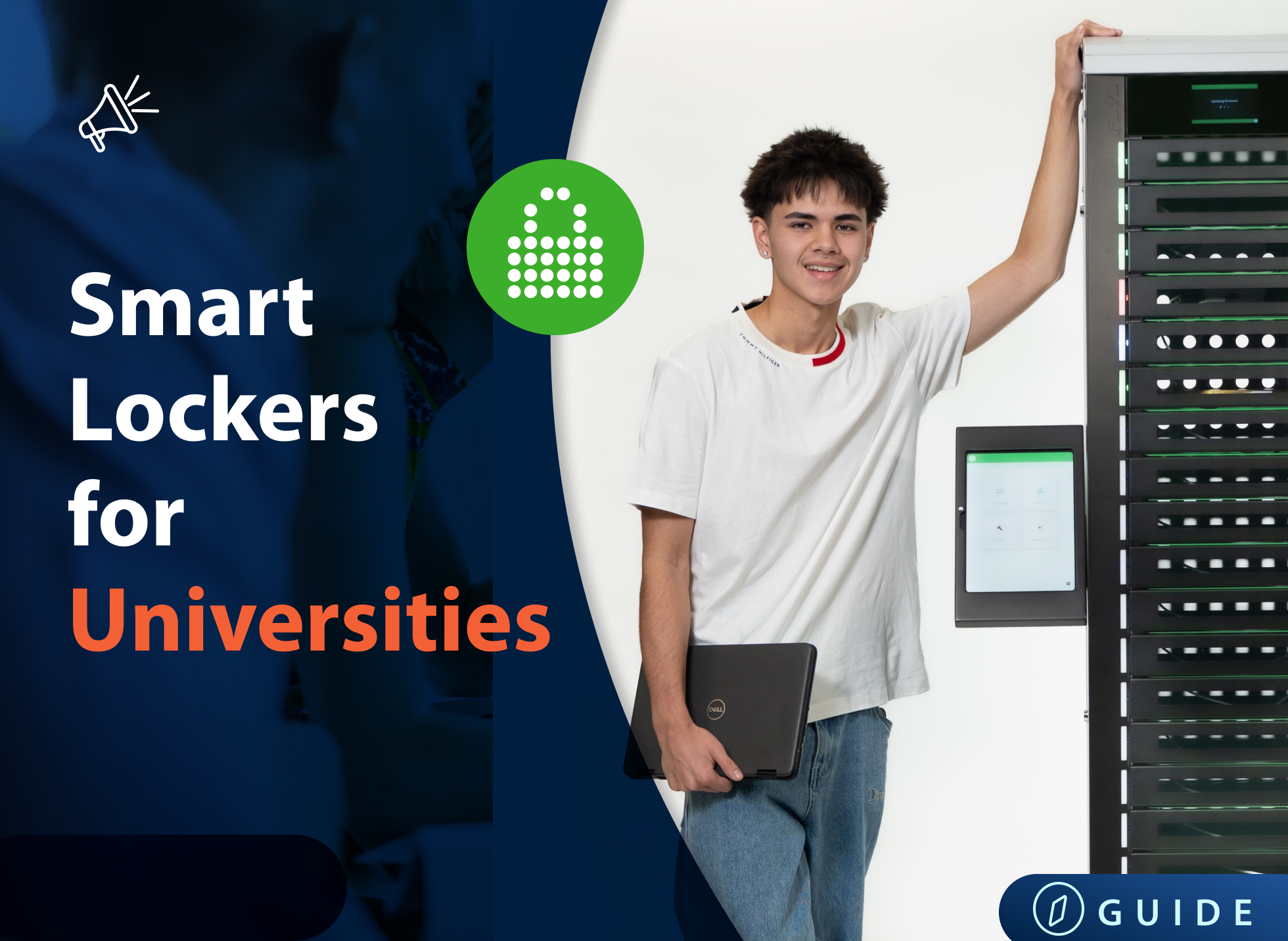
The most effective walk-up tech support operations separate two fundamentally different types of requests: those that need a skilled technician, and those that just need a device. Routine operations — loaner pickups, repair drop-offs, device deployments — should be handled through self-serve workflows, not a staffed queue.
When IT teams remove those high-frequency, low-complexity requests from their walk-up workload, they free up the focused time needed for the work that actually requires their expertise. The difference is measurable: at Brasher Falls Central School District, moving loaner management to a self-serve system recovered 2.5 hours of IT time per day.
What is walk-up tech support?
Walk-up tech support is any in-person IT assistance where a user comes directly to the IT team rather than submitting a ticket, calling, or using a self-service portal.
In corporate settings, it's sometimes called a tech bar or IT concierge. In schools, it might just be "come find someone in the IT office."
In practice, walk-up requests fall into two very different categories — and most IT teams treat them exactly the same way.
- The first category is advisory requests: the user has a problem that actually requires a technician's knowledge. Software won't install. The VPN keeps dropping. A machine is behaving strangely. These requests benefit from human diagnosis, institutional knowledge, and back-and-forth conversation. A skilled technician adds real value.
- The second category is device operation requests: the user needs a physical device or needs to hand one back. They want a loaner while theirs is repaired. They're picking up the laptop IT just deployed for them. They're dropping off a broken tablet. These requests need a device, not a diagnosis.
The problem? Most IT teams process both categories through the same staffed interaction. That's where the inefficiency lives.
Why walk-up support is harder to manage than it looks
Walk-up support carries a hidden cost that doesn't show up in any helpdesk dashboard: context switching.
Research from Gloria Mark at the University of California, Irvine, found that it takes an average of over 20 minutes to fully return to a complex task after an unplanned interruption — even a brief one. For IT technicians doing deep technical work — building device images, configuring MDM profiles, troubleshooting network infrastructure — each walk-up interaction doesn't cost four minutes. It costs four minutes plus the recovery time.
Over 20 minutes — the average time to fully regain focus after an unplanned interruption.
Source: Gloria Mark, University of California, Irvine
The volume compounds this. IT teams in schools and enterprise environments often field dozens of device-related requests per week. At Brasher Falls Central School District, managing loaner devices manually was consuming 2.5 hours of IT time per day before the team moved to a self-serve system. That's more than 12 hours per week — roughly a third of a full-time role — spent almost entirely on a task that didn't require IT expertise.
Standard advice won't solve this. Better ticketing software, friendlier staff, or a nicer walk-up space all help with the experience. None of them reduce the number of interruptions. The only way to do that is to separate the two categories of requests and route them differently.
The two types of walk-up requests — and why that distinction changes everything
Before you can improve your walk-up operation, you need an honest audit of what actually comes through it.
In most environments IT teams audit, device operation requests — the right-hand column below — account for the largest share of walk-up volume. They're fast, repeatable, and don't require a conversation. They do require a device, a log, and sometimes a signature.
Here's how the two categories break down:
|
Advisory requests — needs a technician |
Device operation requests — needs a device |
|
Software troubleshooting |
Loaner laptop pickup |
|
Password reset / account access issues |
Repair device drop-off |
|
Network connectivity diagnosis |
Freshly imaged device collection |
|
Hardware fault diagnosis |
Charging cable or peripheral swap |
|
Security incident response |
Same-day deployment handoff |
|
New employee IT onboarding session |
Device return at end of loan period |
|
Data recovery |
Spare device reservation or pre-staged pickup |
|
Application configuration |
Device swap (replace like-for-like) |
The practical rule: if a request appears in the right column, a technician doesn't need to be present to fulfill it. The interaction is transactional, not diagnostic. It can be documented, automated, and handed off to a self-serve system — without any loss of quality or accountability.
This distinction is the foundation of every other best practice in this article. Get the routing right, and the rest becomes much simpler.
Tip: For organizations thinking about broader device lifecycle management, our guide on device management lockers explains how the locker-as-infrastructure model fits into a complete IT workflow.
Best practices for the staffed walk-up: When a technician needs to be there
Walk-up support works best when it's reserved for requests that actually need a technician present — software faults, hardware diagnosis, account access, and anything that requires back-and-forth conversation. Here's how to run that staffed interaction well.
1. Define scope clearly and communicate it
Post a clear list of what the walk-up handles (and doesn't). When users know in advance that loaner pickups happen at the smart locker station rather than the IT desk, they stop queuing in the wrong place. Scope clarity reduces both frustration and accidental demand.
2. Make the physical setup work for focused interaction
Walk-up support benefits from a defined space: a counter or bar-height desk, dedicated seating for longer sessions, and enough privacy for the user to share sensitive issues. Avoid setting up walk-up in a high-traffic corridor where the technician becomes a magnet for passing questions.
3. Log every walk-up interaction, even the quick ones
The biggest risk in walk-up support is invisible demand. If requests aren't logged, you can't spot patterns, justify staffing, or identify which issues should become self-service knowledge base articles.
According to MetricNet's Desktop Support benchmarks, 84% of desktop support interactions could be resolved at the first point of contact — but only if the pattern is visible in the data. Even a 90-second interaction should generate a record. Many teams use a quick-entry form or a QR code check-in to keep this frictionless.
4. Set clear hours — and solve for the gaps
Walk-up only works during staffed hours. That's fine for advisory requests — your team can't diagnose a VPN issue at seven AM before the office opens. But if device operation requests are still tied to staffed hours, users without devices are blocked. Self-serve device access solves this directly; it's worth thinking about staffed and unstaffed hours as two different operational modes.
5. Build in a weekly review of walk-up patterns
Set a standing 30-minute slot to review the week's walk-up log. Look for: repeat issues that need a knowledge base article, device operation requests that have leaked into the staffed queue, and anything that suggests a workflow problem upstream. This is how you make your walk-up operation smarter over time rather than just busier.
Best practices for device operations: Taking routine requests off the technician's plate
Device operation requests are ideally suited to self-serve workflows. They're repeatable, documentable, and don't require interpretation. The goal is a system where a user can pick up a loaner, drop off a device for repair, or collect a freshly deployed machine — at any time, without needing a technician present.
The three core device operation workflows
Most IT environments handle variations of the same three processes. Here's what each one looks like when it's running well:
|
Workflow |
Manual process (current state) |
Self-serve process (target state) |
|
Loaner checkout |
User walks up, finds a tech, tech locates available device, logs it manually, hands it over |
User authenticates at smart locker, system assigns available device, locker opens, checkout is logged automatically |
|
Repair drop-off |
User finds a tech or leaves device on an unmanned desk with a note; intake is inconsistent |
User places device in designated locker bay, logs issue via touchscreen or app; IT receives notification with full intake record |
|
Device deployment |
IT images device, contacts user, coordinates a time, hands over in person |
IT images device, loads to smart locker, system notifies user; user collects at their convenience with PIN or badge authentication |
Smart lockers like the FUYL Smart Locker from LocknCharge are designed specifically for these three workflows. Each bay is individually addressable, every transaction is logged with a timestamp and user authentication, and the system integrates with existing IT asset management tools. IT admins manage everything from a central dashboard — remotely, in real time.
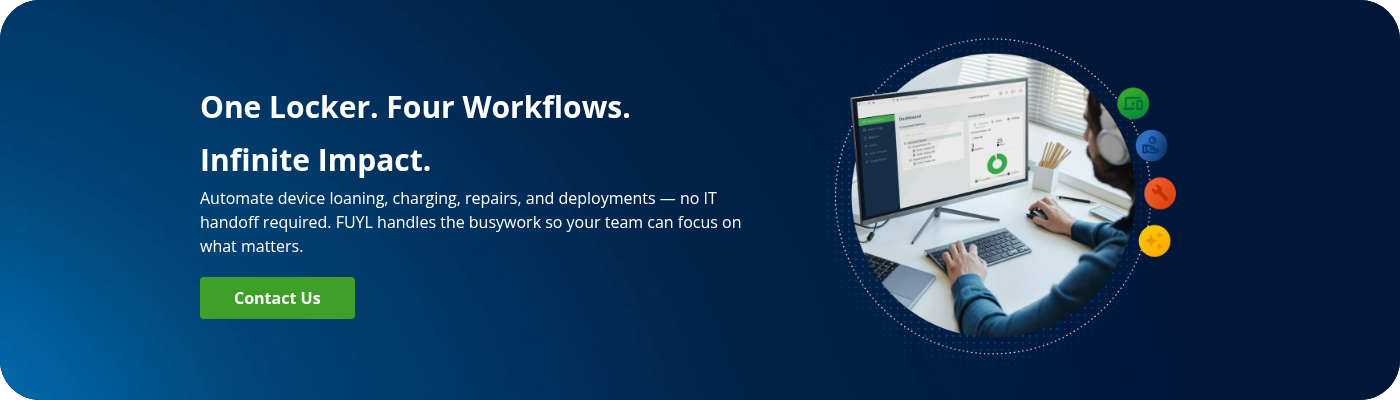
The result isn't just time saved on individual transactions. It's the removal of a category of interruptions from the IT team's day. Kingsway Christian College reduced laptop loan time by 75% after deploying smart lockers, handling up to 25 daily loans with almost no IT involvement in the physical handoff and saving an estimated $76,000+ annually in IT labor costs.
75% reduction in laptop loan time. Estimated annual IT labor savings: $76,000+.
Source: Kingsway Christian College case study, LocknCharge
For loaner management specifically, smart lockers also eliminate two chronic problems: devices going missing because the log was a spreadsheet, and users returning devices to the wrong place. Every checkout and return is tracked automatically, with alerts if devices aren't returned on schedule.
How to measure whether your walk-up support is actually working
You can't improve what you're not measuring. These are the metrics that tell you whether your walk-up operation is healthy — and where it's leaking time.
|
Metric |
What it tells you |
|
IT technician time on device operations (hrs/week) |
Baseline before automation. If this is more than a few hours, self-serve is likely worth it. |
|
Walk-up volume by request type |
What share of walk-ups are device operations vs. advisory? High device ops volume = routing problem. |
|
Mean time to fulfil a device request |
Loaner checkout shouldn't take more than 2–3 minutes. If it does, the process has friction. |
|
Ticket deflection rate (self-serve) |
What % of device requests are completed without tech involvement? Tracks automation impact. |
|
Device availability at walk-up |
Are devices actually ready when users arrive? Consistently low = inventory or charging problem. |
|
User satisfaction (CSAT) at walk-up |
Measures experience, not just efficiency. High CSAT with low wait times is the target. |
|
Loaner return compliance rate |
% of loaners returned by due date. Low compliance = the return process has too much friction. |
Start with a one-week manual audit if you don't have these numbers. Log every walk-up interaction by type, time taken, and outcome. The pattern will tell you exactly where to focus first.
For teams managing device deployments at scale, the laptop deployment process post on the LocknCharge blog covers how to structure deployments to reduce both IT time and user waiting.
Walk-up IT support: Scope and setup checklist
Copy this checklist for your team. Use it to audit your current operation or set up a new walk-up support function from scratch.
1. Define scope
|
☐ |
List what's in scope for staffed walk-up e.g. software issues, hardware diagnosis, account access, onboarding sessions |
|
☐ |
List what's NOT in scope (routes to self-serve or ticket) e.g. loaner pickup, repair drop-off, device collection, peripheral swaps |
|
☐ |
Decide: what happens if an out-of-scope request arrives at walk-up? Redirect with directions, or handle and log as exception? |
|
☐ |
Publish the scope somewhere visible to users Signage at the walk-up point, IT portal, onboarding materials |
2. Physical setup
|
☐ |
Dedicated walk-up location (not just 'come find us') Fixed point, clearly signed, ideally not in a high-traffic corridor |
|
☐ |
Counter or bar-height workspace for standing interactions |
|
☐ |
At least one seated position for longer sessions |
|
☐ |
Screen privacy for sensitive interactions |
|
☐ |
Self-serve device station (smart locker or kiosk) within sight of walk-up area Allows easy redirection for device ops requests |
3. Device operations
|
☐ |
Loaner device inventory audited and physically ready Fully charged, wiped to standard image, logged in your asset system |
|
☐ |
Checkout and return process documented (not just in someone's head) |
|
☐ |
Loaner log in a system — not a spreadsheet or whiteboard Every checkout/return timestamped and attributed to a user |
|
☐ |
Out-of-hours device access solution in place Smart locker, key safe, or duty phone — document which and where |
|
☐ |
Repair drop-off intake process defined User records issue at drop-off; tech receives full intake note, not a sticky |
4. Operations & logging
|
☐ |
Every walk-up interaction logged — including quick ones QR check-in, quick form, or helpdesk app — frictionless for the tech |
|
☐ |
Escalation path for requests outside walk-up scope Who takes over, and how does the user find out? |
|
☐ |
Weekly 30-minute walk-up review scheduled Review log for patterns: repeat issues, scope creep, inventory problems |
|
☐ |
Walk-up hours clearly posted and enforced If you offer out-of-hours self-serve, link to it clearly at the staffed point |
5. Metrics baseline (complete in week one)
|
☐ |
Total walk-up volume per week (by request type) |
|
☐ |
% of walk-ups that are device operations vs. advisory |
|
☐ |
Average time per device operation request (loaner, drop-off, pickup) |
|
☐ |
User CSAT score at walk-up (even a simple 1–5 question) |
|
☐ |
Loaner return compliance rate (% back on time) |
The bottom line
Walk-up tech support doesn’t have a staffing problem. It has a routing problem. When device operation requests — the high-frequency, low-complexity transactions that make up the majority of walk-up volume in most environments — flow through the same channel as advisory requests, they consume the focused time your IT team needs for the work that actually matters.
The fix is structural, not cosmetic. Define the two categories. Build a self-serve path for device operations. Keep the staffed walk-up for the work that actually needs a technician. Measure the difference.
If your team is still managing loaners, repairs, and deployments through a staffed counter or a whiteboard in the IT room, it’s worth seeing what a self-serve device workflow looks like in practice.
FUYL Smart Lockers give IT teams a self-serve device management system for loaners, repairs, and deployments. Contact us to learn more about the full benefits.
FAQ
What’s the difference between walk-up tech support and a regular IT help desk?
A regular IT help desk typically handles requests via tickets, email, or phone — interactions that are logged, queued, and routed before any technician is involved. Walk-up tech support is in-person IT assistance where users come directly to the IT team without going through a formal intake process first. Walk-up support tends to have higher user satisfaction because it’s immediate and conversational, but it’s harder to manage at scale because it creates unplanned interruptions. The most effective IT operations use both: ticketed support for complex and non-urgent issues, and a structured walk-up channel for situations that call for a same-day, in-person response.
How do I reduce the number of walk-up requests my IT team handles every day?
Start by auditing what your walk-up actually handles. In most environments, a significant share of walk-up requests are device operation tasks — loaner pickups, repair drop-offs, device collection — that don’t require a technician’s time or expertise. Moving those to a self-serve system (such as a smart locker station) removes them from the staffed queue entirely. For the remaining advisory requests, a clear scope definition, communicated to users in advance, reduces the number of out-of-scope requests that arrive at the walk-up point. Self-service knowledge base articles handle another layer of demand for common, repeatable issues.
Can loaner devices be managed without an IT technician present?
Yes — and for most organizations, that’s the right model. Loaner device management is a device operation, not an advisory task. It doesn’t require IT expertise; it requires a system that can authenticate users, assign an available device, log the transaction, and trigger a return reminder. Smart locker systems handle all of this automatically. Users authenticate with a PIN, email link, or badge; the assigned locker bay opens; the checkout is recorded in the IT asset system. The technician’s only involvement is stocking and maintaining the locker inventory — not being present for every individual handoff.
What should and shouldn’t be handled at a walk-up IT support point?
Walk-up support is best suited to advisory requests: software troubleshooting, account access issues, hardware diagnosis, network problems, and situations that need back-and-forth conversation with a skilled technician. It’s not the right channel for device operation requests — loaner pickups, repair drop-offs, device deployments, or peripheral swaps — because those interactions are transactional and don’t benefit from technician involvement. Routing device operations to a self-serve system keeps the staffed walk-up focused on the work that actually needs human expertise, which improves both IT efficiency and the experience for users with real, complex problems.
How do smart lockers work for IT walk-up support?
Smart lockers give IT teams a way to handle device operations — loaner checkout, repair drop-off, device deployment collection — without requiring a technician to be present. Each locker bay is individually addressable and can be assigned to a specific user or transaction. Users authenticate via PIN, QR code, email link, or badge tap; the correct bay opens; and the transaction is logged automatically with a timestamp and user record. IT administrators manage inventory, assignments, and audit trails from a central dashboard, remotely and in real time. The result is 24/7 device access without 24/7 IT staffing, and a complete digital record of every device movement.
What metrics should I track to improve walk-up tech support?
The most useful metrics are: technician time spent on device operations per week (your baseline for automation ROI), walk-up volume split by request type (advisory vs. device operations), mean time to fulfil a device request, ticket deflection rate from self-serve, loaner return compliance rate, and user satisfaction score at the walk-up point. Start with a one-week manual log if you don’t have these numbers. The ratio of device operations to advisory requests is usually the most revealing figure — it tells you immediately whether your walk-up is doing the right work or absorbing demand that should be handled elsewhere.
How do schools manage device loans without overwhelming IT staff?
Schools managing one-to-one device programs face a particular challenge: high loaner volume, limited IT staffing, and users (students) who need devices quickly and at hours when IT may not be available. The most effective approach separates the loaner workflow from the staffed IT function entirely. Smart locker stations allow students to check out a loaner device with a student ID or PIN, return it when their own device is repaired, and get a replacement automatically assigned — all without queuing at the IT office. At Brasher Falls Central School District, this model eliminated 2.5 hours of daily IT time previously spent on manual loaner management.
Author