Chromebook Charging Solutions for Schools and Workplaces
Don’t let uncharged, misplaced, or unsecured mobile devices hurt student outcomes. LocknCharge provides Chromebook charging solutions that help keep shared devices accessible, charged, and ready to use.
If you’re comparing options at a program level — not a specific model — this page outlines the most common approaches and where each one fits. It’s a practical guide to charging solutions for Chromebooks across classrooms and workplaces.
.png)
Trusted by more than 15,000 schools and counting








Chromebook charging solutions designed for every environment.
If your school or district is made up of various class sizes or a range of grade levels — we’ve got 1:1 and shared Chromebook charging, management, and security on lock.
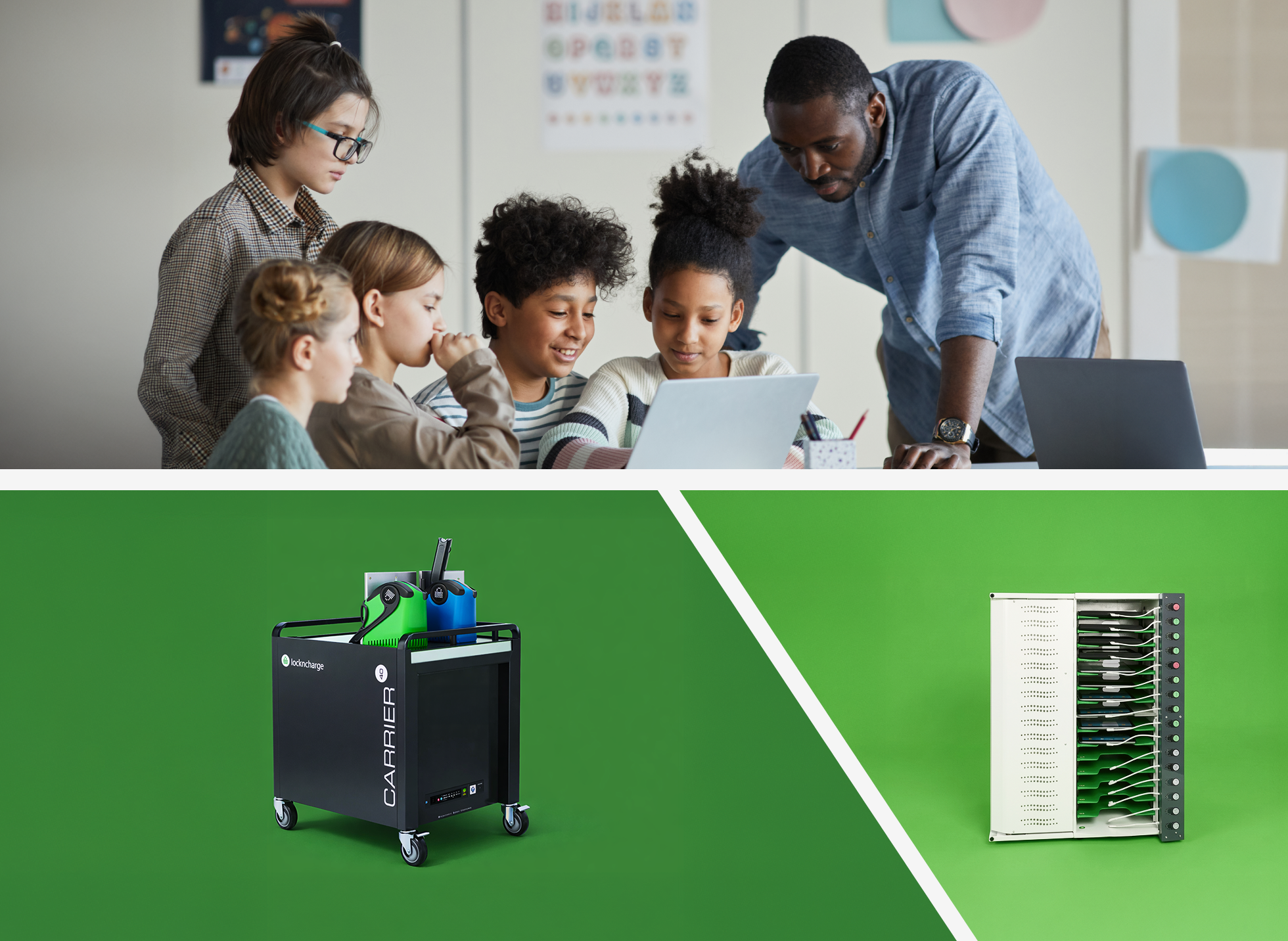
Time-saving features you need and price points you’ll love.
No need to choose between quality and price. With a wide variety of features, capacities, and configurations, you can select a product mix that best fits your needs and aligns with your priorities.
Chromebook loans and replacements, made simple.
Even the most responsible students can forget, break, or lose their Chromebooks from time to time. Get them back to learning faster with a Smart Locker System for managing Chromebooks.
.png)
Advantages of Chromebook Charging Solutions by LocknCharge

Fast setup, easy maintenance
Cheetah-speed setup, ease of serviceability and world-class customer support are key reasons why tech teams choose LocknCharge.

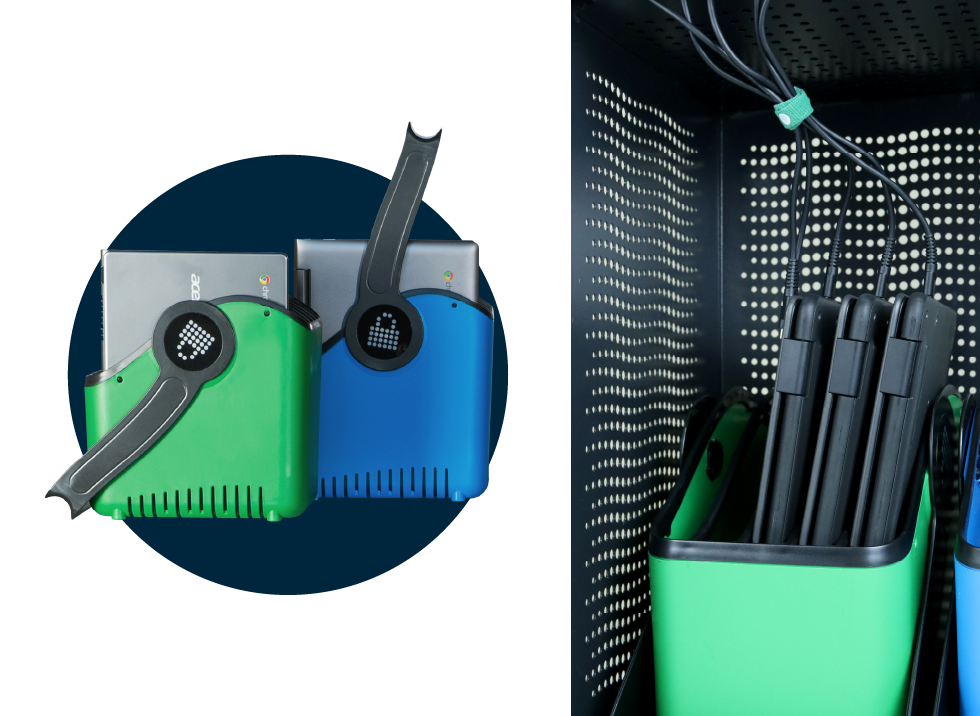
Time-saving device carrying baskets
Many of our Chromebook charging solutions include handy little baskets for efficient and safe hand out and pack up of student devices.

Built to last, backed by robust warranty
Feel confident that your charging cart and charging station will withstand the wear and tear of K-12 classrooms while contributing less e-waste to the landfill.

Space-saving, compact designs
No need to cram 10 lbs. of charging solutions into a 5lb. environment. All of our products are optimized for classrooms that are tight on space.

USB-C prewired options available
Save time setting up your Chromebook carts or stations by having it pre-wired with USB-C cables.

Smarter eco-friendly charging
EcoSafe and EcoSmart charging technology safely charges 20-40 Chromebooks without electrical overload or overconsuming energy.
Explore Products
Different environments call for different charging and storage approaches — especially when devices are shared, moved, or issued on a loaner basis.
Explore each category below to find the best fit for how devices are used and managed in your organization.
Chromebook Charging Stations
Fixed, in-room charging setups for spaces where devices are returned to the same location and readiness needs to be consistent day to day.
Charge, store, and secure 8-18 mobile devices.
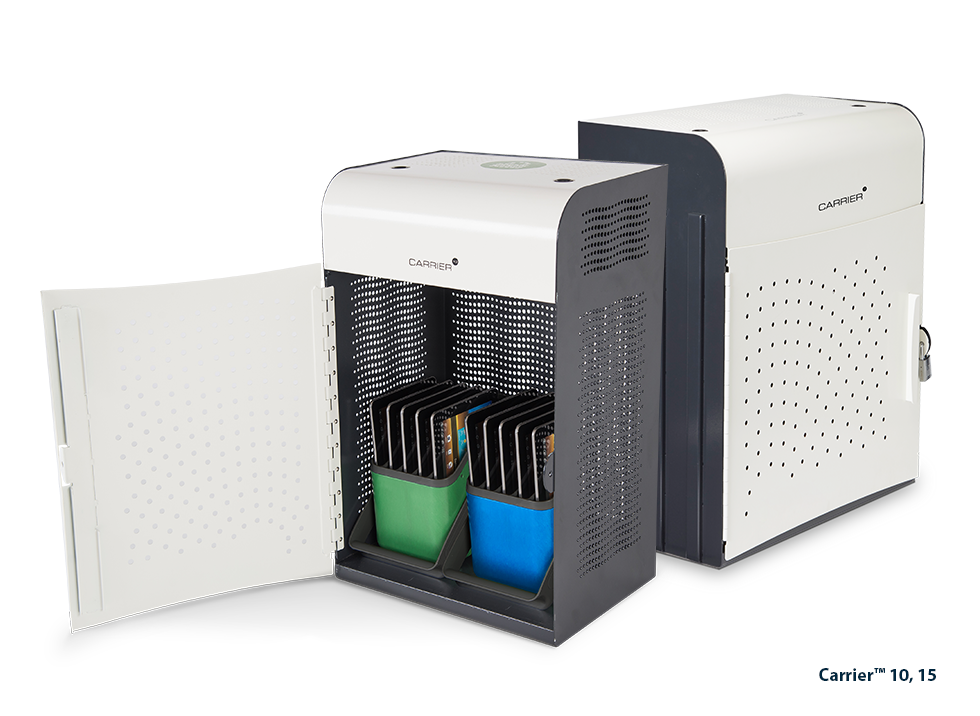
Carrier™ Charging Stations
Flexible, compact station with baskets and racks. Pre-wired optional.
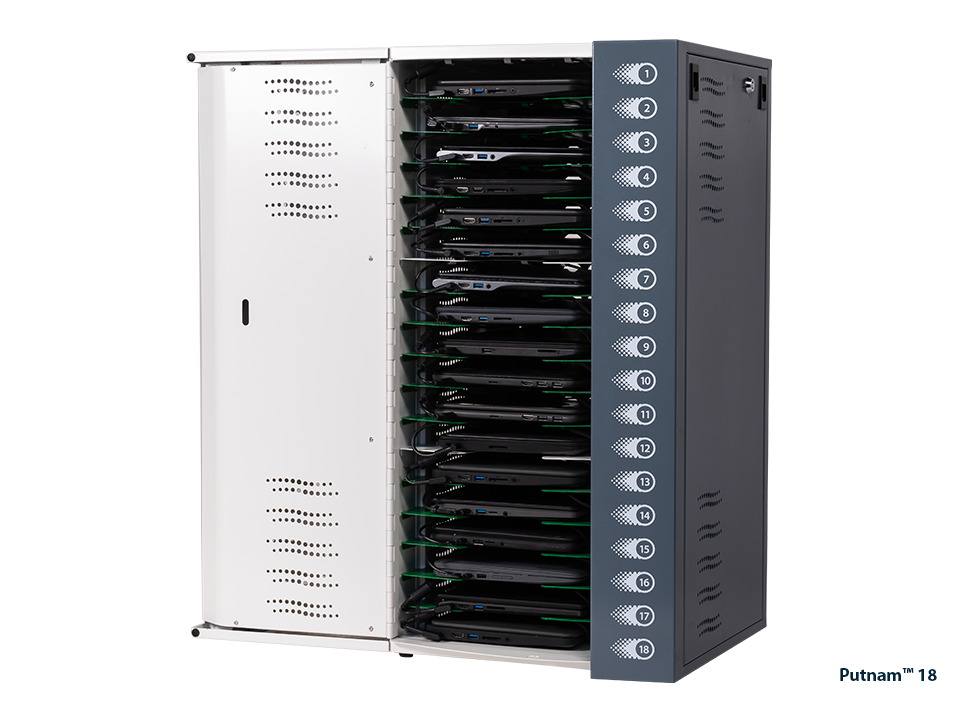
Putnam™ 18 Charging Station
Small footprint station with shelves. Pre-wired optional.
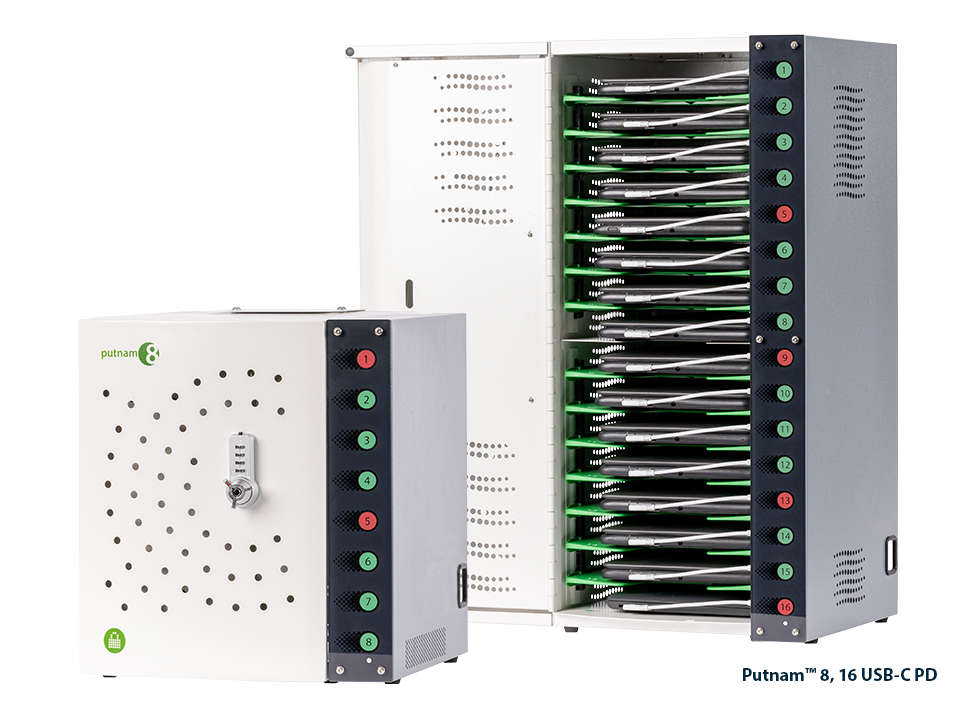
Putnam™ USB-C PD Charging Stations
Fast-charging, compact station with charging status lights. Pre-wired standard.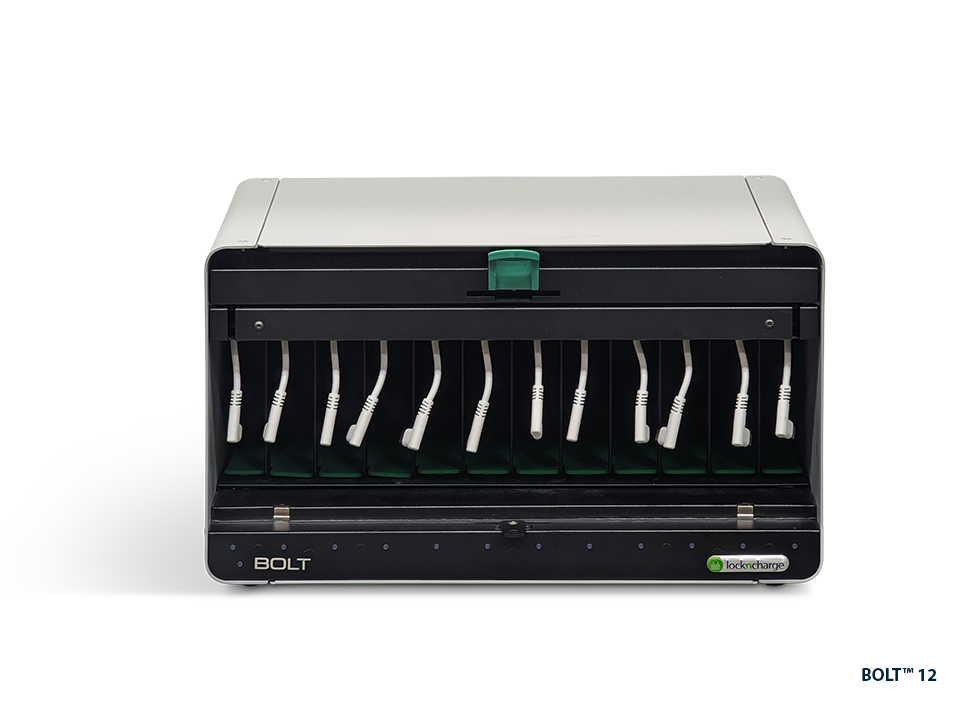
BOLT™ Charging Station
Quickly charge your PD-compatible devices so they're always ready to go with this compact charging station.
Chromebook Charging Cabinets
Enclosed storage that adds a stronger layer of physical security while devices charge, helping reduce loss, damage, and unauthorized access.
Charge, store, secure, and transport up to 32 mobile devices.
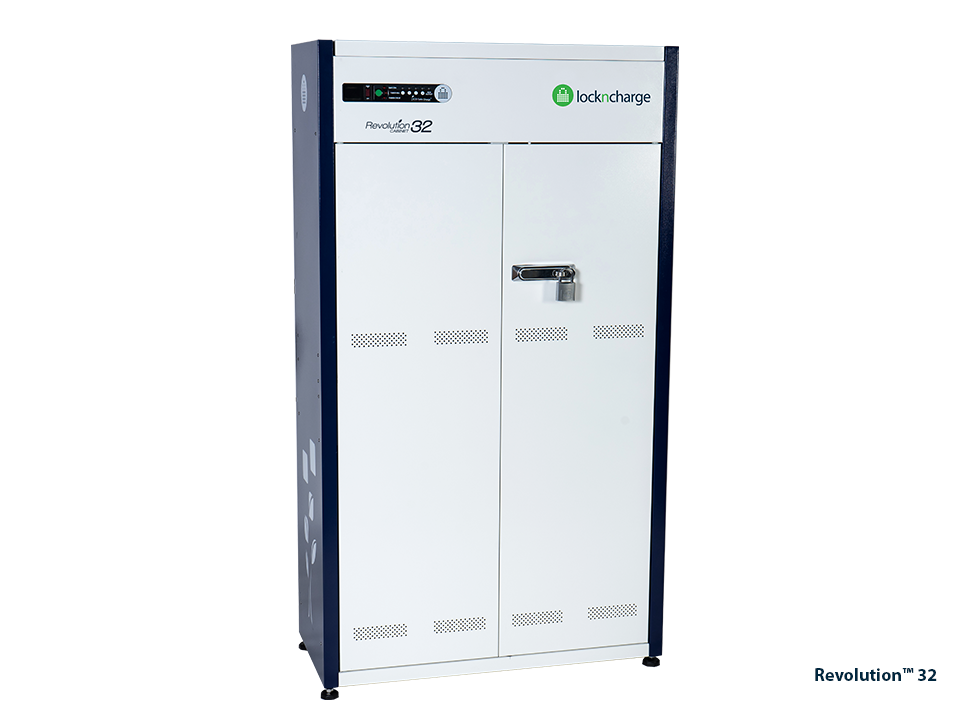
Revolution™ 32 Charging Cabinet
High-capacity, small-footprint station with racks. Pre-wired optional.
Chromebook Charging Carts
Mobile storage and charging designed for moving device sets between rooms, teams, or learning spaces while keeping handling organized.
Charge, store, secure, and transport 20-40 mobile devices.
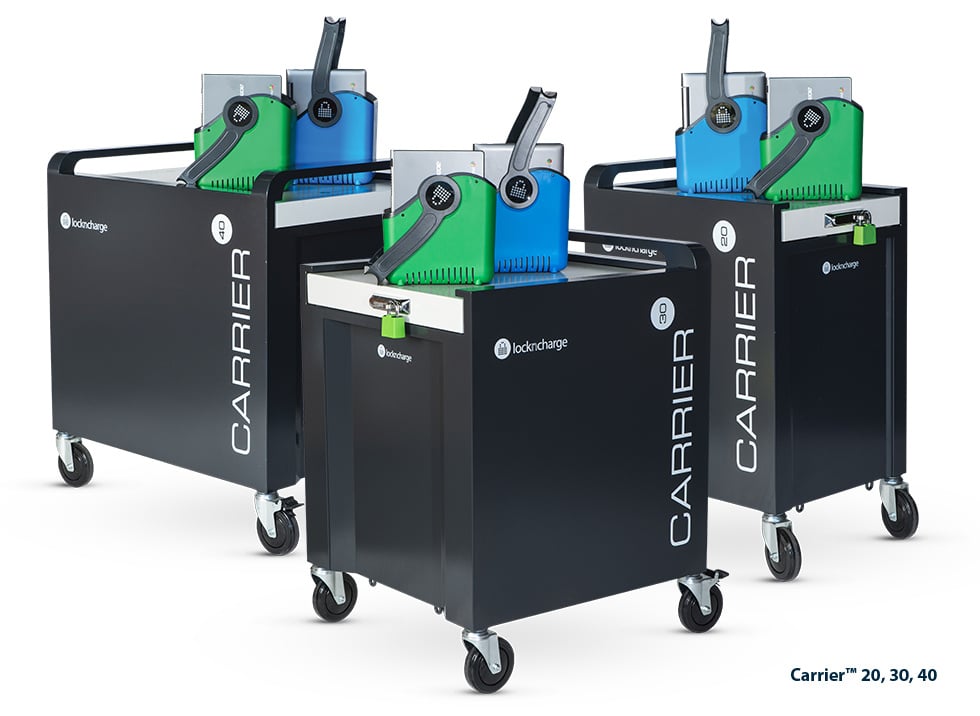
Carrier™ Charging Carts
Ultra-durable, top-loading cart with baskets or racks. Pre-wired optional.
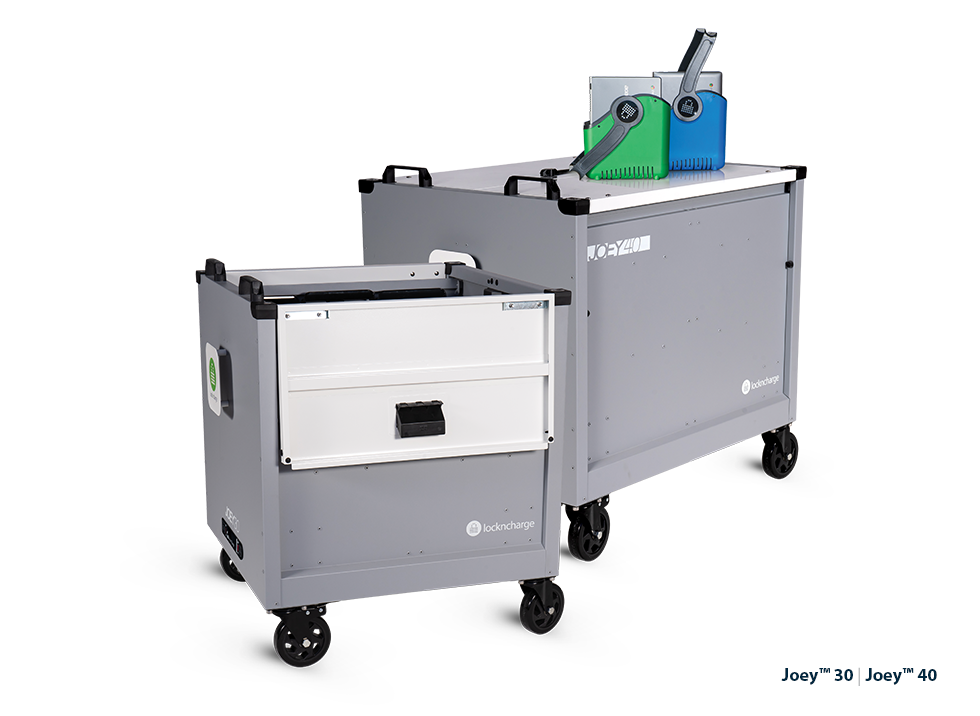
Joey™ Charging Carts
High-value, top-loading cart with baskets and racks. Pre-wired optional.
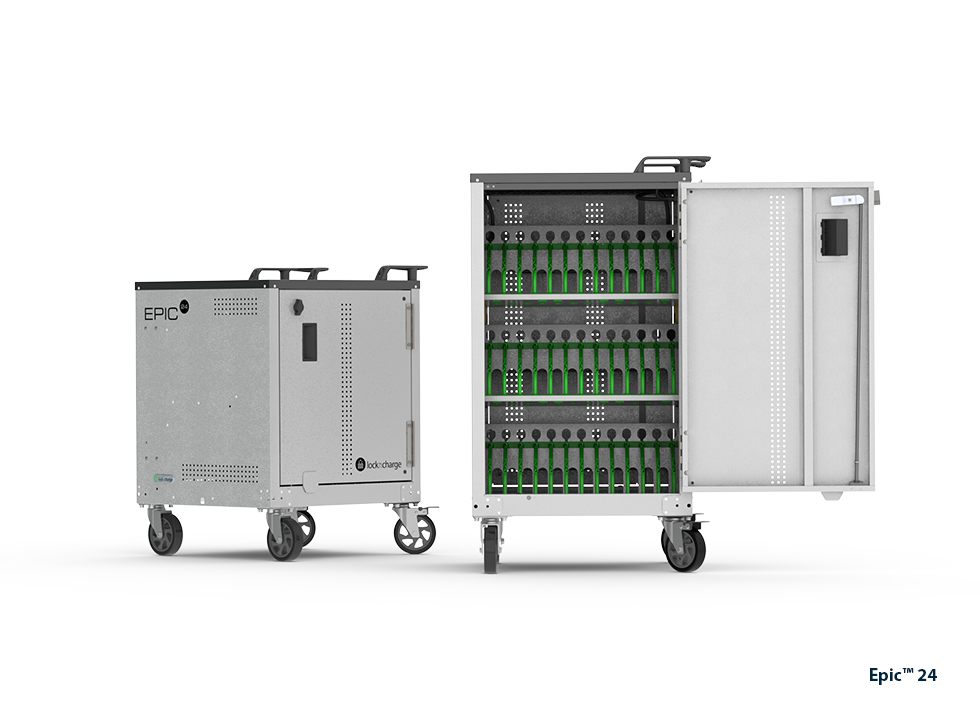
EPIC™ Charging Carts
Affordable, front-loading cart with dividers. Pre-wired optional.
Chromebook Smart Locker Systems
Self-service workflows that support device loans, returns, exchanges, and secure charging for shared Chromebook programs.
Efficiently manage forgotten, lost, or broken devices.
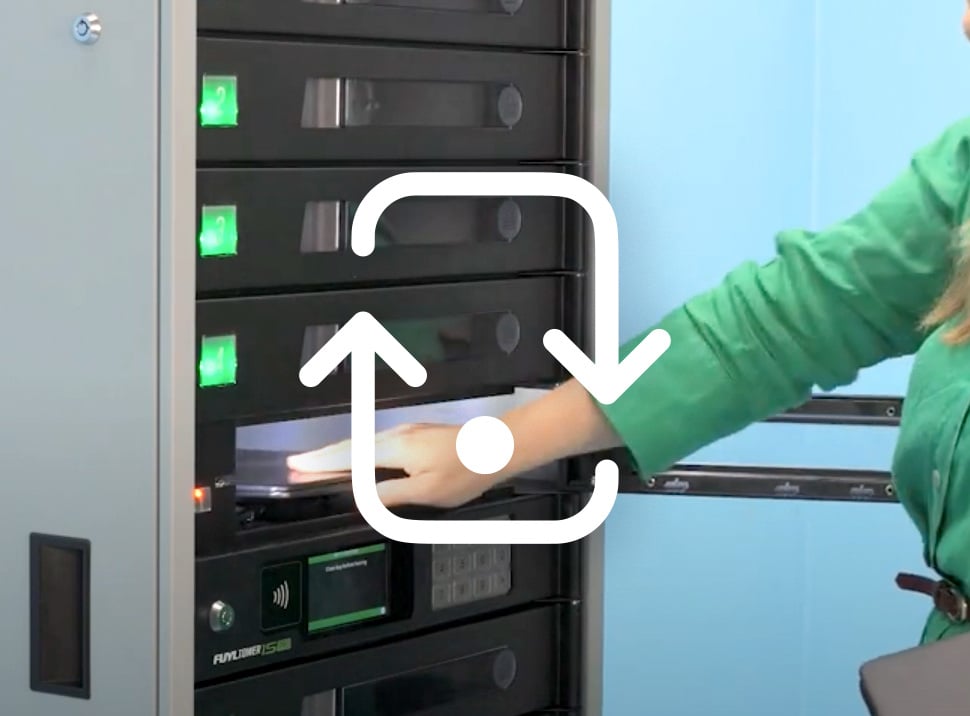
Loan devices
Easily loan devices to students or staff who forget or lose their devices.
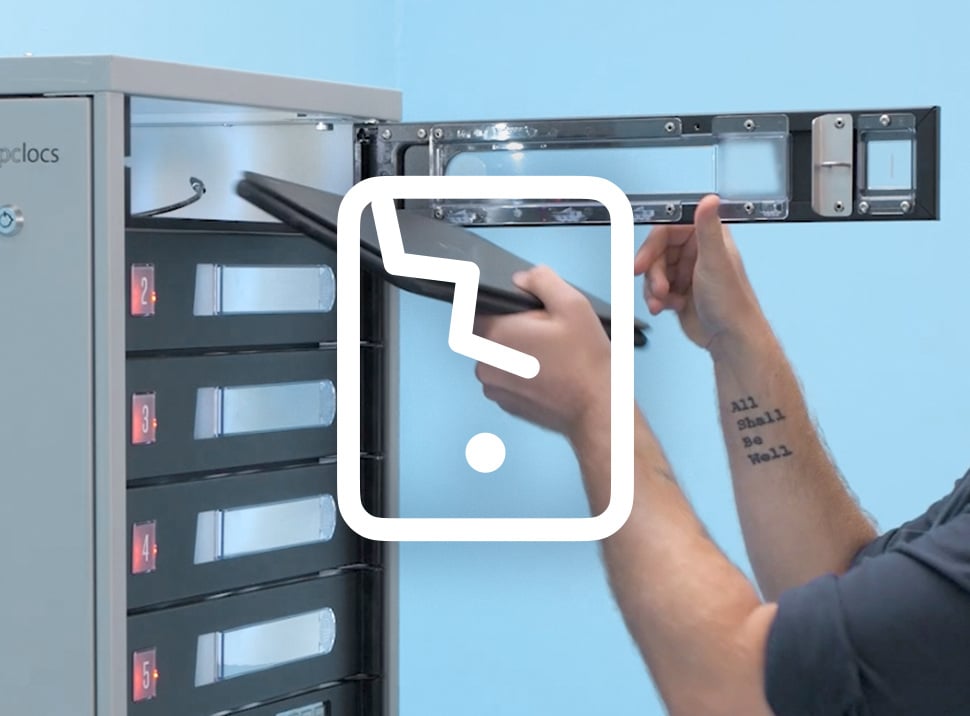
Exchange broken devices
Quickly exchange a broken chromebook when experiencing a hardware issue.
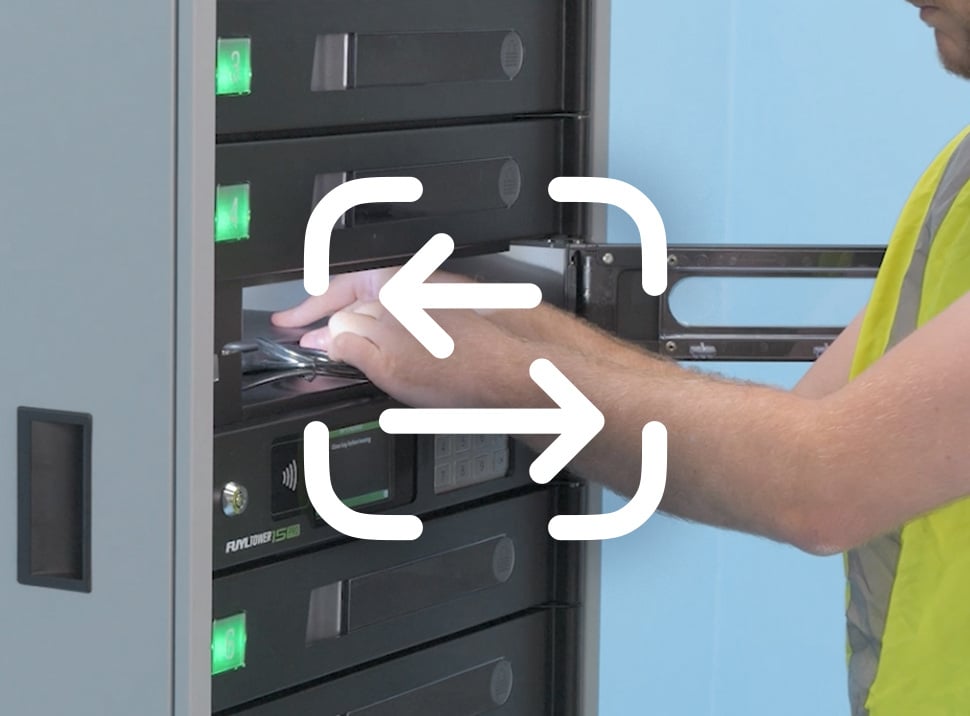
Check out devices
Efficiently provide self-serve access to a device for employees to do their work.
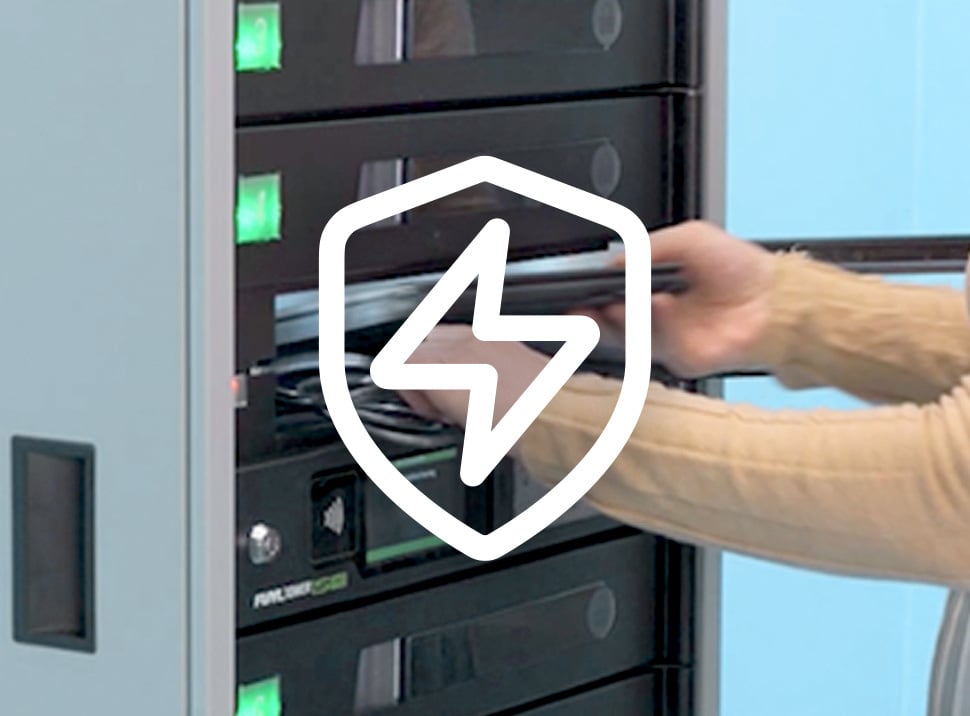
Top off uncharged devices
Securely charge institution-issued or personal devices that lose charge without worry.
Customer Stories
Hear the real-world experiences of our customers as they reflect on the impact our unique solutions have on improving efficiency for their organization.
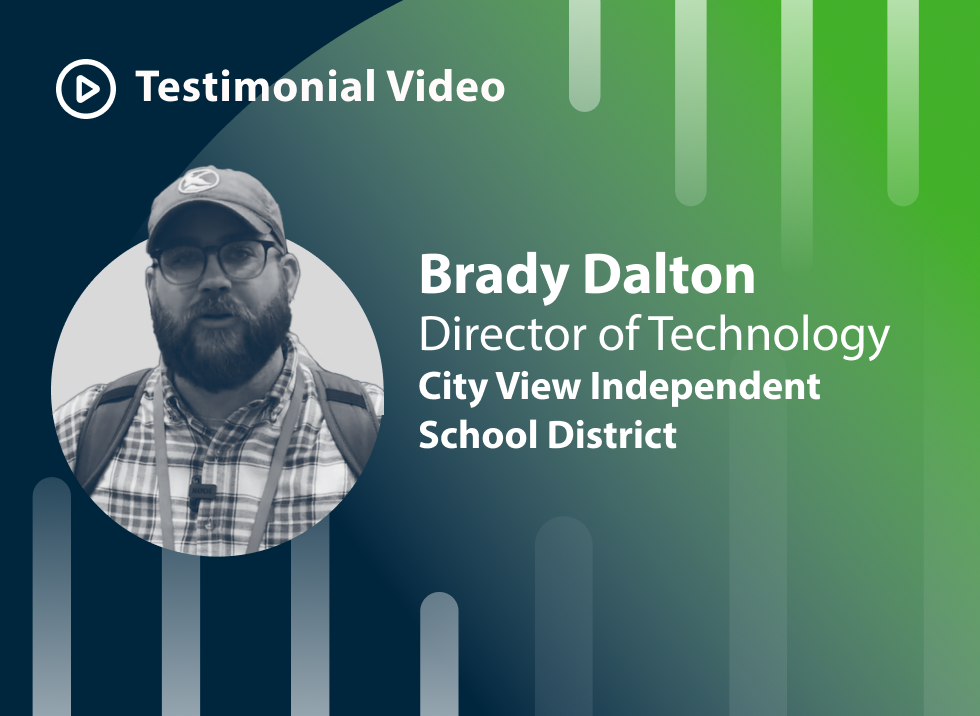
How Joey Carts Help City View ISD Streamline Chromebook Charging
Discover how City View ISD uses LocknCharge Joey Carts to improve Chromebook charging, mobility, and classroom organization across their school district.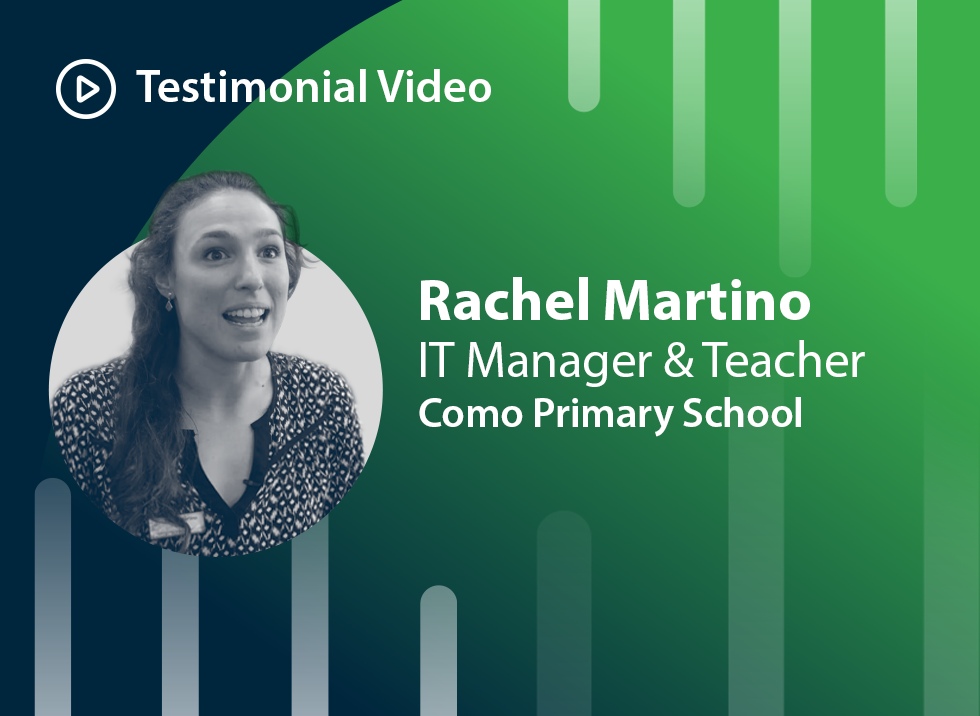
Como Primary Solves Charging Woes with CarryOn Station
Como Primary School streamlined shared device access with the ultra-portable CarryOn Charging Station — saving space, time, and student learning hours.