In schools where learning relies on 1:1 devices, classroom device availability issues often disrupt instruction. Students forget their laptops at home and damage them during classes.
Effective loaner laptop management prevents these setbacks. This guide presents a practical, school-focused framework for handling temporary laptops for students — with a special emphasis on supporting middle school learners.
TL;DR
- Schools that proactively maintain a spare pool of 10–15% of their total fleet are better equipped to absorb repair delays and sudden device failures.
- Self-service laptop lockers enable students to check out and return devices independently from IT staff, minimizing front office interruptions and keeping lessons on track.
- Schools using LocknCharge smart lockers reclaim up to 360 IT hours and 200 instructional hours each year.
Understand your school’s loaner laptop management needs
A successful loaner laptop program begins with a clear understanding of who needs devices, when they need them, and why. The following are the most common day-to-day scenarios for loaner laptops when using 1:1 technology in schools:
- Forgotten laptops. Mornings can be hectic, and students often arrive without their devices as parents rush to drop them off.
- Accidental or intentional damage. Some schools have reported TikTok trends where students deliberately force objects into USB ports until the laptop sparks or smokes.
- Devices under repair. Repairs often take several days or longer, depending on staff availability, parts supply, or warranty coverage.
- Testing and exams. Maintaining a small pool of fully charged, ready-to-use loaners prevents disruptions when a student’s device fails during critical testing periods.
- Temporary teacher or staff needs. Substitutes, interns, and itinerant staff need short-term device access to support daily instruction.
The main participants in school device lifecycle management include:
- Middle school students, who are still developing responsibility skills, tend to be less cautious with equipment
- High school students, who depend on devices for coursework, testing, and digital assignments
- Teachers and support staff who may require short-term replacements for classroom activities
- Front office and IT teams, who manage loaner laptops across grade levels
Estimate the demand and right-size the loaner pool
A sustainable loaner pool relies on maintaining equilibrium between multiple factors, including device failure rates, repair timelines, usage trends, and financial limitations. A detailed self-assessment can help schools identify gaps and plan effectively:
- How many student devices are currently deployed in your environment?
- On average, how many devices are lost, stolen, or damaged each week?
- What is the likelihood of device failure caused by age, hardware issues, or battery wear?
- How long does it usually take to diagnose, repair, and return a damaged device?
- Are repairs completed in-house, outsourced, or dependent on manufacturer warranty terms?
- If replacements are required, how long does it take for new devices to arrive, be configured, and distributed?
- How much instructional time is lost when a student is without a functioning device?
- Is there funding available to maintain a consistent inventory of spare units?
- Do you keep a separate reserve for high-priority users such as principals, testing coordinators, or specialized staff?
Here are several baseline indicators to benchmark against:
- On average, 8–12% of devices sustain damage annually, though this can range from 2% to as high as 25%.
- Many K–12 IT administrators maintain an additional 10% of the device fleet as loaner laptop inventory.
- Nearly 60% of school leaders surveyed by LocknCharge report managing 1–10 broken devices per week.
- Nearly 40% of districts in the CoSN 2025 EdTech Leadership Survey indicate a student device refresh cycle of only three to four years.
Additional reading: Explore future trends in education shaping how schools manage technology and digital equity.
Build a clear laptop loaner policy for K–12
When presenting your middle school laptop loan program to students and parents, include clear and accessible language that outlines these key points:
- What qualifies as responsible device care, both at school and at home
- What “on-time return” means (for example, the same day for forgotten devices)
- What “multi-day loan” means (for instance, until the student’s device is repaired, purchased, or configured)
- How accidental damage, loss, or neglect will be addressed and communicated
- What occurs if a loaner is damaged or lost
Families are generally responsible for replacement costs based on the school’s standard repair or replacement pricing chart.
Additionally, when developing a school laptop loaner program, consider repeat borrowers. Frequent cases of forgotten or damaged laptops may signal the need for parent involvement, additional behavioral guidance, or adjustments to access policies.
Design simple workflows to manage loaner laptops in schools
Many schools start with a straightforward, repeatable loaner process: a student or teacher submits a device request, and IT staff approve it. The device is then assigned, collected, returned, inspected for damage, and reset.
On paper, this structure seems efficient, but in practice, it often becomes slow and inconsistent without the right management tools. Common challenges include:
- Teachers leaving class to request loaner devices — instruction is disrupted
- Front office or IT staff being interrupted by students and teachers, preventing them from focusing on higher-priority work
- A culture of carelessness among students who realize they can use the time-consuming loaner process as an excuse to miss class time
On average, 57% of educators surveyed by LocknCharge report assisting with device replacements at least once a week, which pulls them away from valuable instructional time.
Use smart lockers for managing laptop loans in middle school
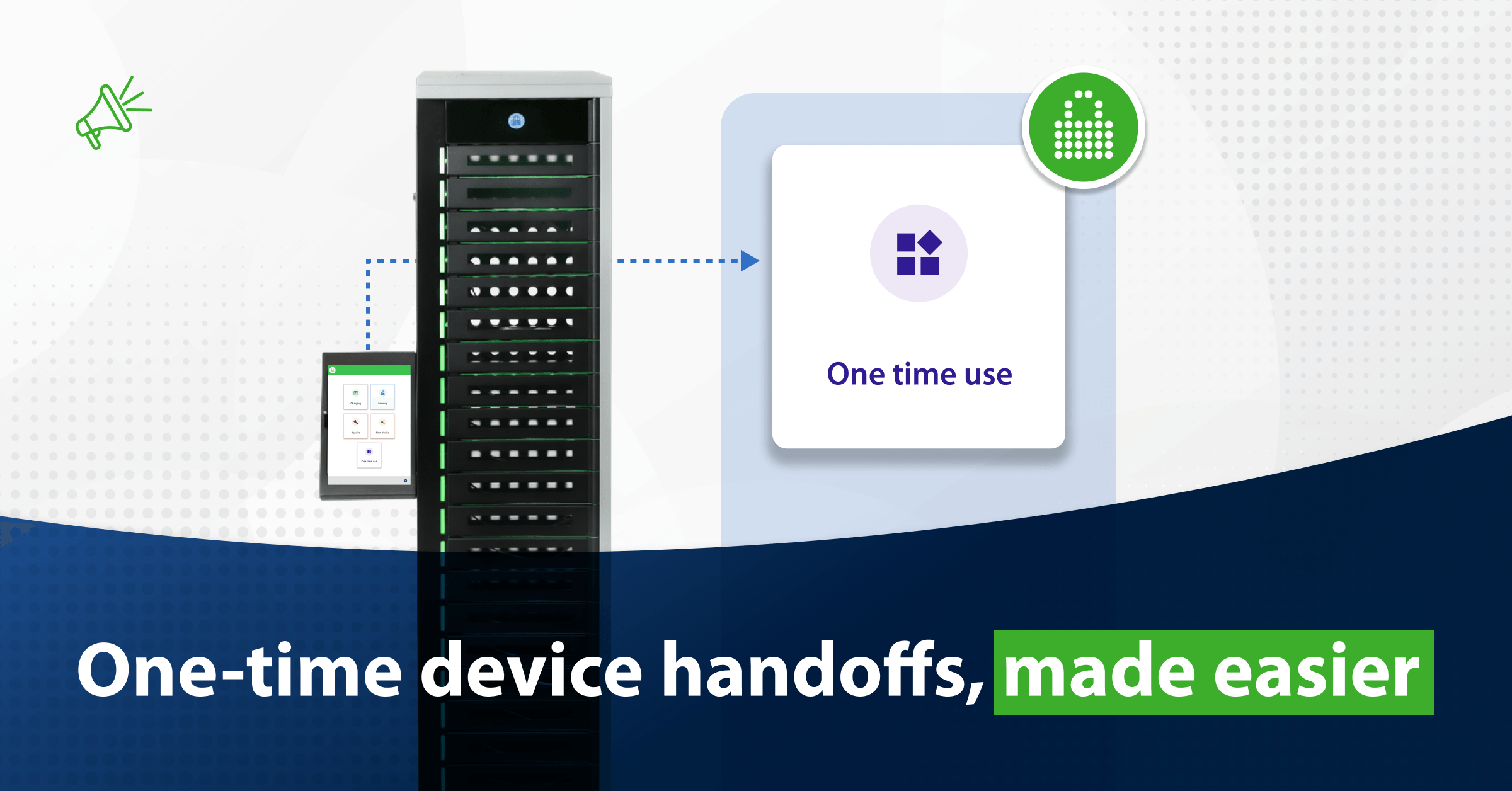
A more efficient approach depends on sustainable infrastructure, such as smart charging lockers. These secure, cloud-connected storage units automate the distribution and return of school devices.
Here’s how schools can standardize the loaner laptop checkout process using smart locker systems:
- Students authenticate at the smart locker interface through their school login, ID badge, or QR code.
- The system automatically assigns a fully charged device from a preconfigured loaner bay secured behind an electronically locked door. Each bay includes a built-in USB-C power cable to keep devices charged.
- Device pickup is fully self-serve. Students collect the loaner independently.
- At the end of the loan period, students return the device to their assigned bay. The system records the return and securely re-locks the compartment.
- IT staff later inspect, reset, and reload devices on their own schedule for the next loan cycle.
- Real-time updates on the device swap process appear in the cloud portal. Administrators can remotely track bay usage and monitor locker occupancy.
Automated laptop checkout works especially well for middle school students, who respond best to clear, structured routines. Using smart lockers removes opportunities for “cheating,” such as skipping class or deliberately extending the loan request time.
A LocknCharge customer survey found that, without automation, IT teams spend 2–2.5 hours daily on device management. With smart lockers for schools, each transaction takes only minutes, resulting in an 80% IT help desk workload reduction.
Additional reading: Estimate your savings with our ROI calculator.
Tips for an effective student device loaner program
The following best practices help schools make their device loan programs efficient and student-friendly.
Train teachers, IT staff, students, and parents on loaner workflows
Training must be role-specific and easy to follow, especially for middle and high school students. With average attention spans of 30–40 minutes at ages 11–14, these learners respond best to visual, short, and direct instruction. Key considerations include:
- Use simple, step-by-step guides for smart locker workflows
- Deliver concise training sessions under 10 minutes
- Reinforce rules during orientation, homeroom, or tech distribution
- Provide printed or digital visuals for quick reference
Connect loaner workflows with school device management systems
Schools can integrate loaner workflows with platforms like Incident IQ to simplify the process. Key advantages of these systems include:
- Students can report broken devices and request repairs directly through a mobile app
- Student records and repair tickets are organized in a centralized web portal
- IT staff receive real-time alerts for incoming tickets
- Minimal data entry minimizes record-keeping errors
Asset tracking and ticketing tools such as Incident IQ can also connect with smart lockers, merging automated ticketing with self-serve device workflows. For instance, LocknCharge smart lockers integrate with Incident IQ to coordinate repair requests and device handoffs seamlessly.
Additional reading: For a comparison of K–12 and higher education workflows, explore how a university device loaner program operates at scale.
Run a focused pilot before implementing smart lockers school-wide
Before introducing smart lockers across an entire school or district, conduct a structured pilot with a specific group. Run the pilot for six to eight weeks to track locker usage and identify areas for improvement. Key pilot considerations include:
- Select one grade or location for initial testing
- Monitor data through integrated platforms to analyze usage and loan patterns
- Gather feedback from students, staff, and IT teams to refine the process
- Revise policies or training materials based on real-world observations
Once the pilot proves successful, the program can be expanded districtwide. For instance, Hamilton Schools installed 75 lockers across 73 sites, achieving device handoffs in minutes and supporting more than 44,000 students efficiently.
How LocknCharge smart lockers transform school loaner laptop management
With 25 years of experience in education and the trust of more than 15,000 schools worldwide, LocknCharge delivers proven student device management solutions for K–12 learning environments.
Here’s how LocknCharge supports schools:
- Self-service checkouts. Students check out, return, or report devices independently using a built-in touchscreen — no staff intervention is required.
- Centralized cloud control. IT administrators manage users, bays, notifications, and workflows through a secure online portal.
- Prebuilt, school-ready workflows. Charging, loaning, repairs, and deployments can be configured to align with school policies and grade-level needs.
- Flexible locker sizes. Choose from five- to 23-bay models to suit space availability and daily device volume.
- Age-appropriate access. Secure authentication through QR codes and ID badges is intuitive for middle school students.
- Seamless integrations. Compatible with school information systems (SIS), ticketing tools, and asset platforms such as Incident IQ.
- End-to-end support. Includes guided onboarding, responsive customer service, and a dedicated success manager.
- Built for schools. Durable, ventilated, and tamper-resistant steel construction is built for classrooms, libraries, or administrative offices.
Schools using LocknCharge smart lockers save up to 360 IT hours and 200 instructional hours each year, reduce labor costs by thousands, and minimize lost, broken, and damaged devices.
Request a personalized demo to discover how smart lockers can enhance your school’s loaner program.
Key takeaways
- A successful loaner program begins with understanding student needs and gauging the loaner pool size based on device usage and breakage trends.
- Clear policies should define who qualifies for a device loan and for how long, and maintain consistent rules across grade levels.
- Integrated systems like Incident IQ streamline ticketing, tracking, and reporting, creating a scalable, sustainable foundation for K-12 device management.
- Smart lockers automate check-ins and check-outs, freeing staff time and minimizing classroom interruptions.
Author