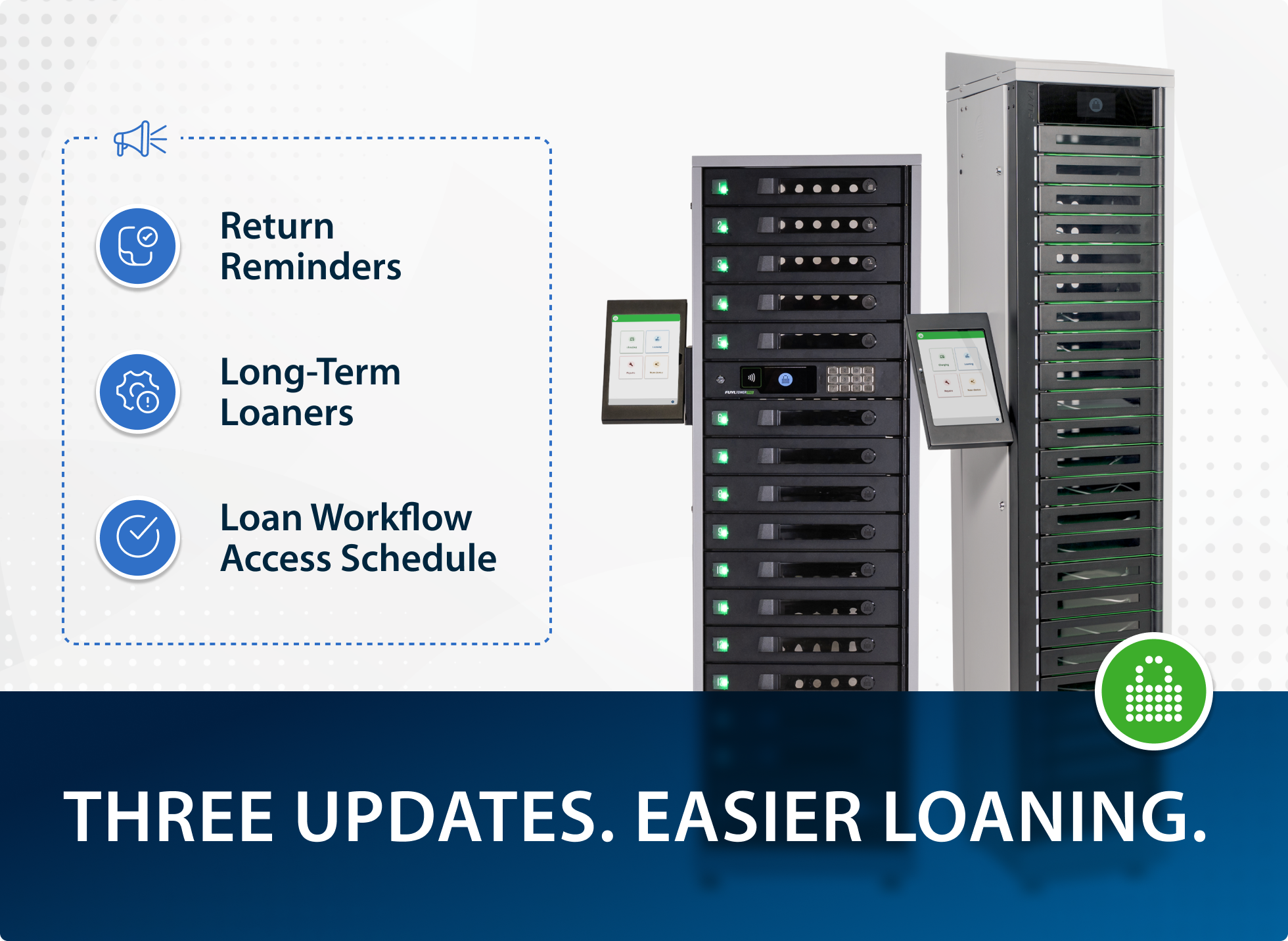
FUYL keeps getting better because our customers keep telling us what “better” looks like.
Every week, our Customer Success team brings us the requests, questions, and friction points they’re hearing from the field — and we use that feedback to guide what we improve next.
So, here’s an overview of the most recent updates to the FUYL Smart Locker System.
1. Status page: One place to check service health
When services degrade, teams are left guessing. That often leads to duplicate tickets, unnecessary escalations, and a lot of time spent proving whether something is “down” or just “acting weird.”
That’s why we’re introducing the FUYL status page — a public, self-serve place to check current service health.
What it is:
- A single page that shows whether FUYL services are operating normally or experiencing issues: fuyl.statuspage.io
Why it matters:
- Faster triage: teams can quickly rule in/out a platform issue.
- Clearer communication: one link to share internally when incidents happen.
- Fewer “is it just us?” tickets: less noise for both site teams and support.
2. Manual admin adding: Keep onboarding and access moving
If admin access relies only on SSO, a change or outage can stall onboarding — or block access entirely when you need it most.
That’s why we’ve added manual admin adding — so an existing admin can create another admin directly (not only through SSO).
What it enables:
- Faster onboarding when you’re adding new IT staff.
- Better continuity during SSO changes or disruptions.
3. Borrower email included in deploy and loan emails
Deploy and loan emails didn’t include the borrower’s email address. That made follow-up harder, slowed resolutions, and weakened the audit trail — especially when multiple users share the same name.
What’s new:
-
Borrower email addresses are now included in deploy and loan emails, so coordinators and IT admins have a direct contact for follow-up.
Why it matters:
- Faster outreach when something’s overdue, missing, or needs clarification.
- Cleaner documentation for accountability and internal records.
4. Consistent instructions for manual device ID entry
Barcode scanning had guidance, but manual device ID entry didn’t match it. The result: inconsistent direction, more user confusion, and avoidable entry errors.
What’s new:
-
Customized instructions now appear on the manual device ID input page, matching the guidance shown on the barcode scan page.
Why it matters:
- More consistent user experience.
- Fewer entry errors when a barcode isn’t available or scanning isn’t practical.
5. App version visible in the kiosk
When troubleshooting, teams couldn’t quickly confirm which kiosk app build was running. That slows down support, complicates site-to-site comparisons, and turns simple checks into back-and-forth.
What’s new:
- The kiosk now displays the current app version, making it easier to verify installs and confirm sites are on the expected build.
Why it matters:
- Faster troubleshooting.
- Cleaner handoffs between support, admins, and site coordinators.
Benefits by environment
These improvements are intentionally small — because the pain they remove shows up every day.
K–12:
- Clearer, more consistent on-screen guidance means fewer student entry mistakes.
- Faster follow-up with the right borrower contact when devices don’t come back on time.
Higher education:
- Better audit trail and fewer “who actually has this device?” moments with borrower emails in notifications.
- Faster triage across distributed buildings and teams with a single status page.
Workplaces:
- Faster admin onboarding, even when identity systems are in flux.
- Quicker support resolution when app versions are visible on-site.
Getting started
No new process to learn here — these updates are designed to fit into the workflows you already run:
- Use the status page as your first stop when something seems off: fuyl.statuspage.io
- Look for borrower email details in deploy and loan notifications.
- Expect consistent instructions whether you scan a barcode or enter a device ID manually.
- Check the kiosk app version when troubleshooting across sites.
What’s next
We’re not stopping at one round of usability improvements. Additional small workflow enhancements are already queued for next quarter, with the same goal: remove friction from daily device management.
Want to see what’s changed in your environment?
If you’d like a walkthrough of how these updates fit into your loaning, deployment, and admin workflows, reach out to your LocknCharge contact or schedule time with the team.
Author