Tablet Charging Stations, Carts, and Lockers for Schools and Organizations
Wherever tablets are shared across classrooms, departments, or floors — LocknCharge provides tablet charging stations, carts, and secure lockers designed to keep devices charged, organized, and ready for the next user.

Trusted by nearly 20,000 leading organizations and counting






Tablet charging solutions for classrooms, hospital departments, retail floors, and warehouses.
From a single classroom shelf to a busy care unit or stockroom, LocknCharge helps teams keep shared tablets charged, secure, and easy to access. Centralized storage and charging reduce clutter, improve readiness, and support better device accountability.

Devices stay charged and ready — without extra manual work between uses.
Choose a mobile cart, a charging station for tablets, or a larger shared setup based on how many devices you manage and where they move during the day. With multiple capacities and configurations, teams can support reliable handoff workflows without adding unnecessary setup time.

When tablets go missing or break, don’t let IT become the bottleneck.
A tablet charging locker gives staff or students fast, controlled access to loaner and replacement devices while keeping every bay secured. That means less downtime, fewer interruptions, and a clearer chain of accountability.

Advantages of Secure Tablet Charging Stations by LocknCharge

Time-saving features for daily device readiness
Tablet fleets are easier to manage when charging, storage, and access are designed around real workflows. Features like carry baskets, charging indicators, and fast USB-C charging help teams keep devices ready for the next class, shift, or task.

Fast setup, easy maintenance
Quick deployment, straightforward service access, and responsive support matter when devices are used every day. LocknCharge solutions are built to help IT teams get a lockable tablet charging station in place without creating more work later.

Built to last, backed for long-term use
Shared-device environments are tough on equipment. LocknCharge products are designed for repeated daily use in schools, healthcare settings, and workplaces where durability and total cost of ownership matter.

Compact designs that fit the space you already have
Not every organization has room for a large cabinet or cart. Whether you need a multi tablet charging station for one classroom or a centralized storage point for a department, space-efficient footprints help you add charging capacity without taking over the room.

Secure charging stations for tablets help protect devices and data
When tablets are not in use, they should not be left exposed on desks or counters. Secure doors, locking systems, and controlled access help reduce theft, limit loss, and support safer shared tablet storage and charging.

Pre-wired options help reduce setup time
Many LocknCharge products are available with pre-wired USB-C or Lightning configurations, which helps teams get charging stations for tablets into service faster. That can be especially useful when rolling out shared devices across multiple rooms or sites.
Tablet charging stations, carts, and lockers: Choosing the right format.
A tablet charging station is best for fixed-location use where devices return to the same place every day. These compact setups typically support around eight to 18 devices and work well in a classroom, library, front office, or department shelf.
A tablet charging cart is built for mobility. It is a better fit when 20 to 40 devices need to move between classrooms, departments, or floors, or when one shared device pool supports multiple teams.
A tablet charging locker is designed for individually secured access. Each device sits in its own locked bay, making it a strong option for loaners, replacements, check-out workflows, and auditable device returns.

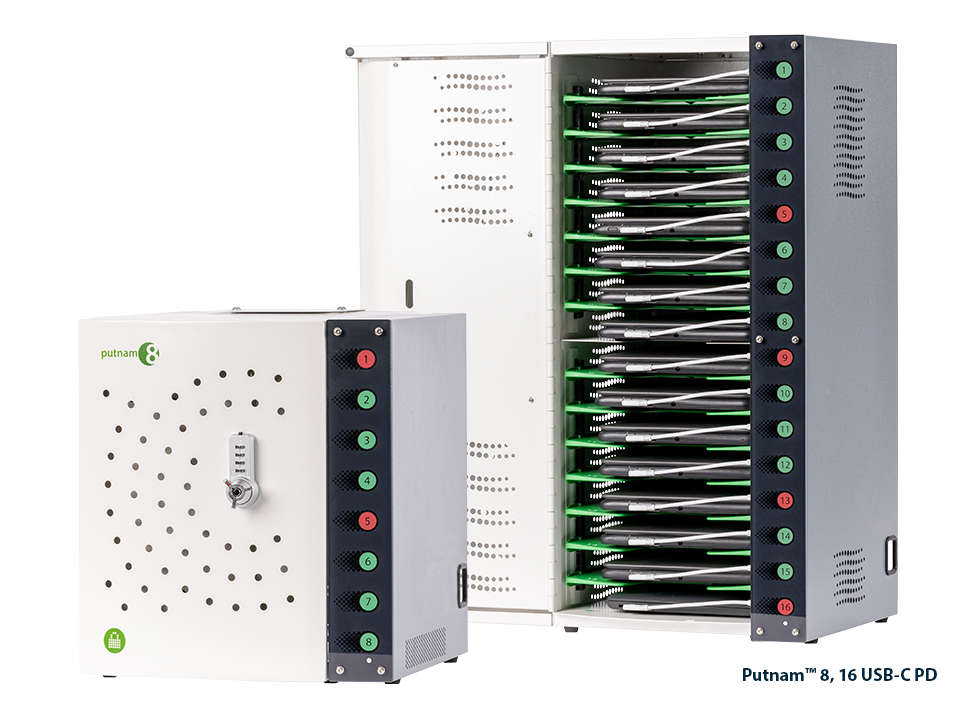
Putnam™ USB-C PD Charging Stations
Fast-charging, compact station with charging status lights. Pre-wired standard.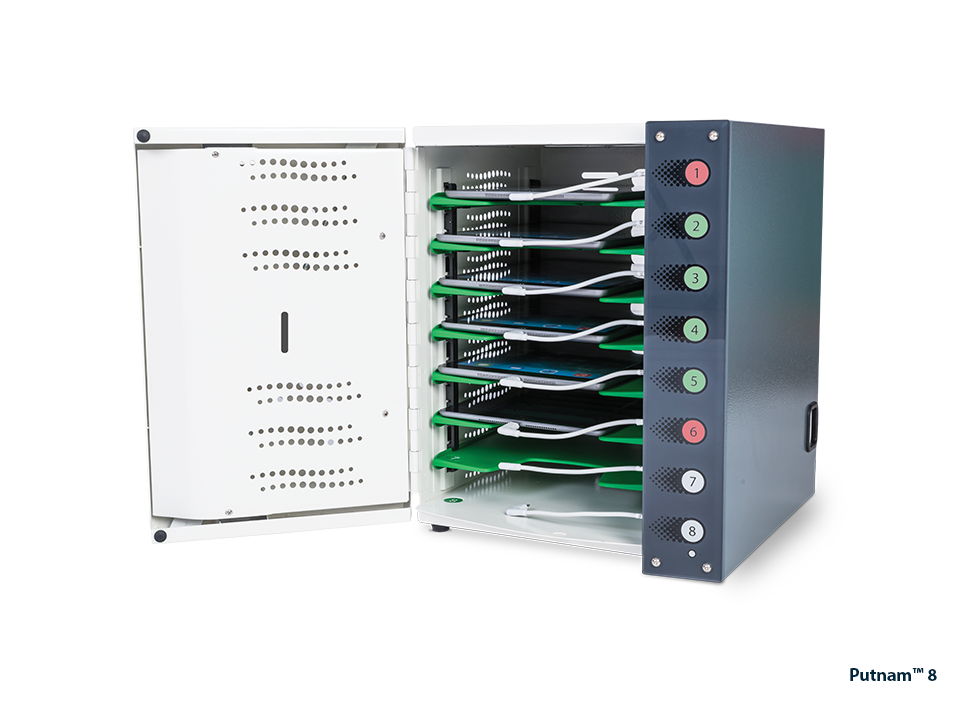
Putnam™ Charging Station
Compact station with charging status lights. Pre-wired standard.
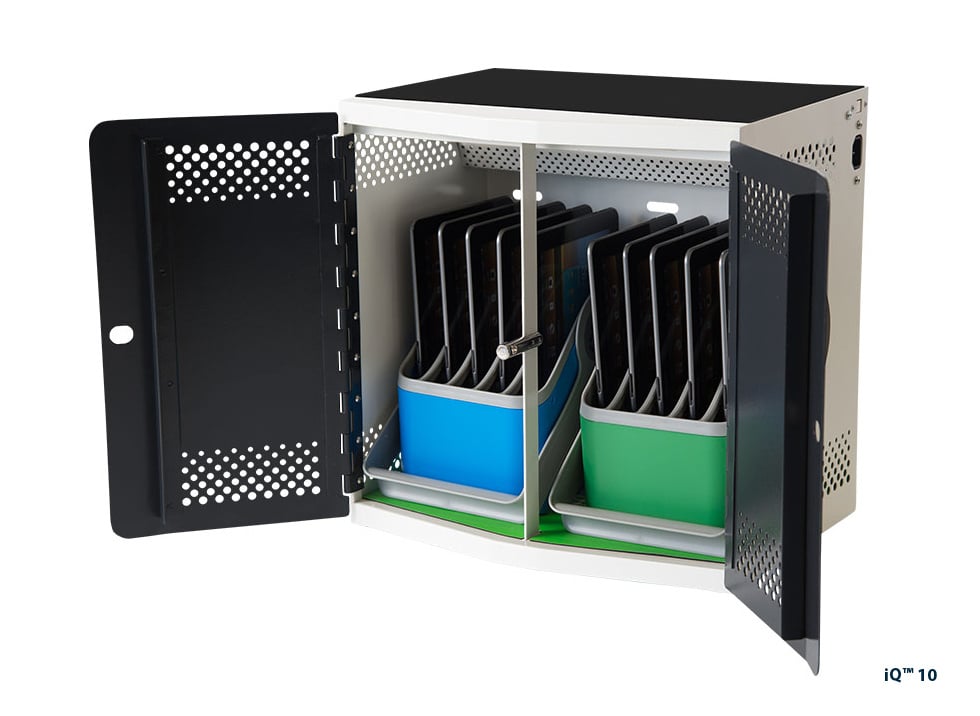
iQ™ 10 USB-C PD Charging Station
Fast-charging, compact station with baskets and racks. Pre-wired optional.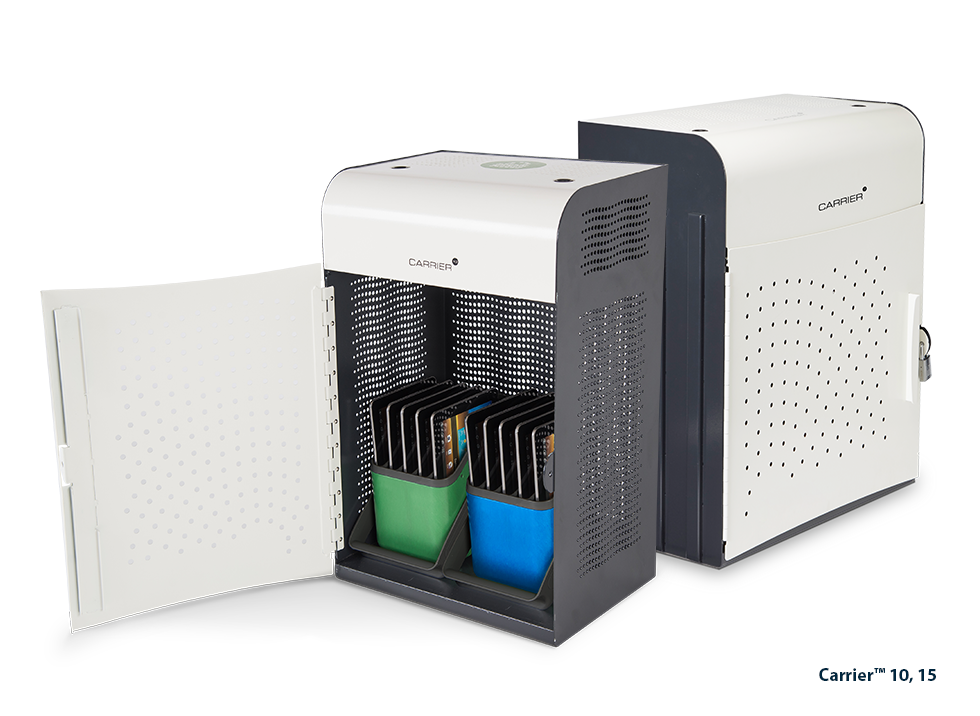
Carrier™ Charging Stations
Flexible, compact station with baskets and racks. Pre-wired optional.
iPad and Tablet Charging Carts
Charge, store, secure, and transport up to 20-40 mobile devices.
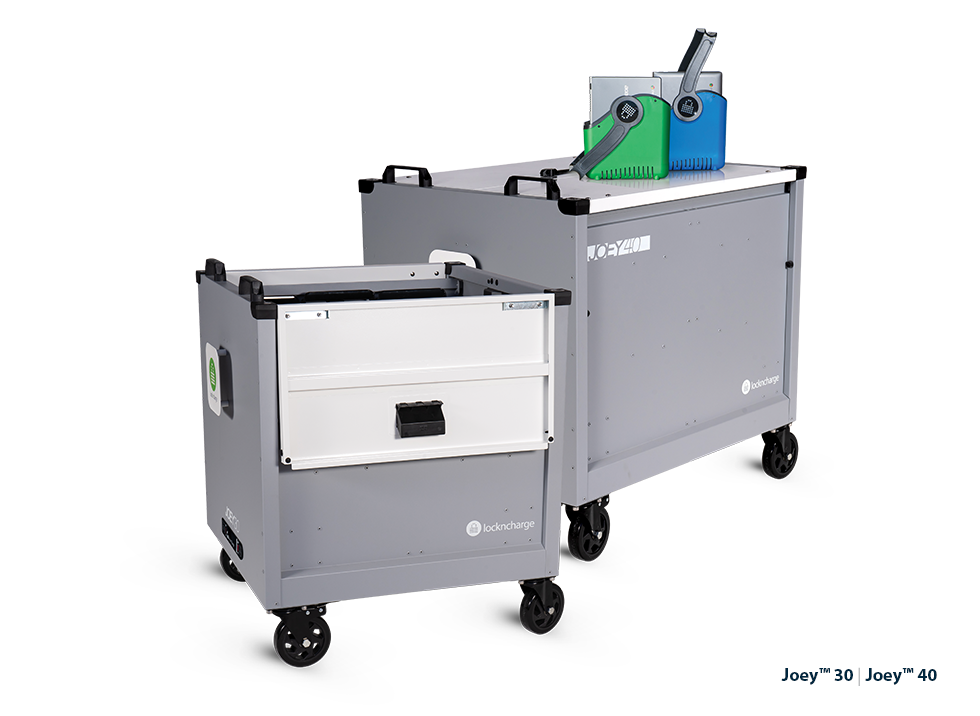
Joey™ Charging Carts
High-value, top-loading cart with baskets and racks. Pre-wired optional.
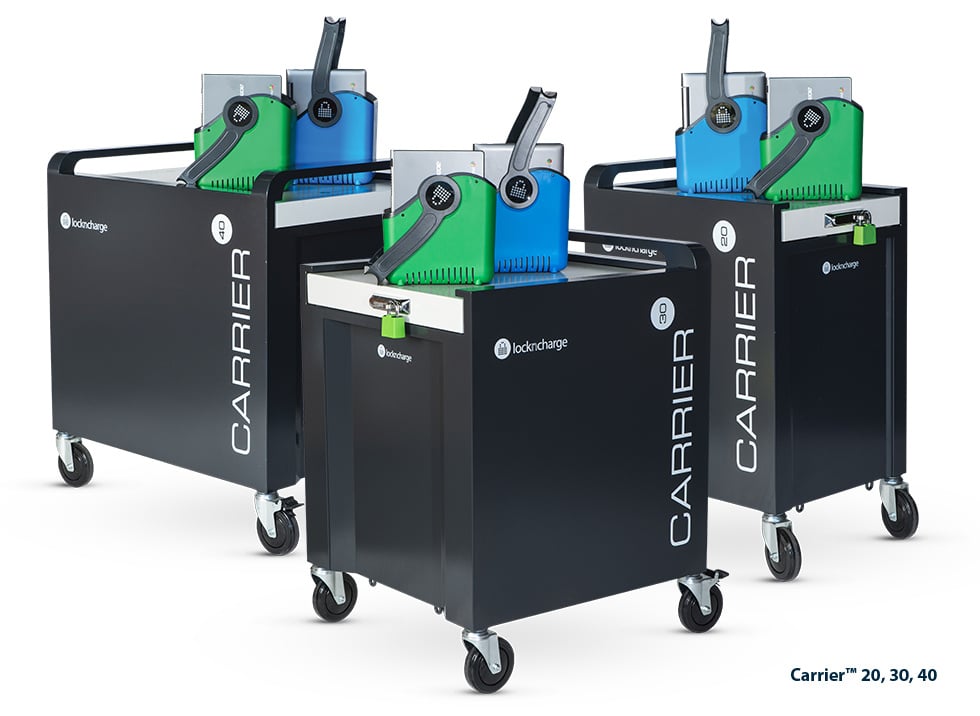
Carrier™ Charging Carts
Ultra-durable, top-loading cart with baskets or racks. Pre-wired optional.
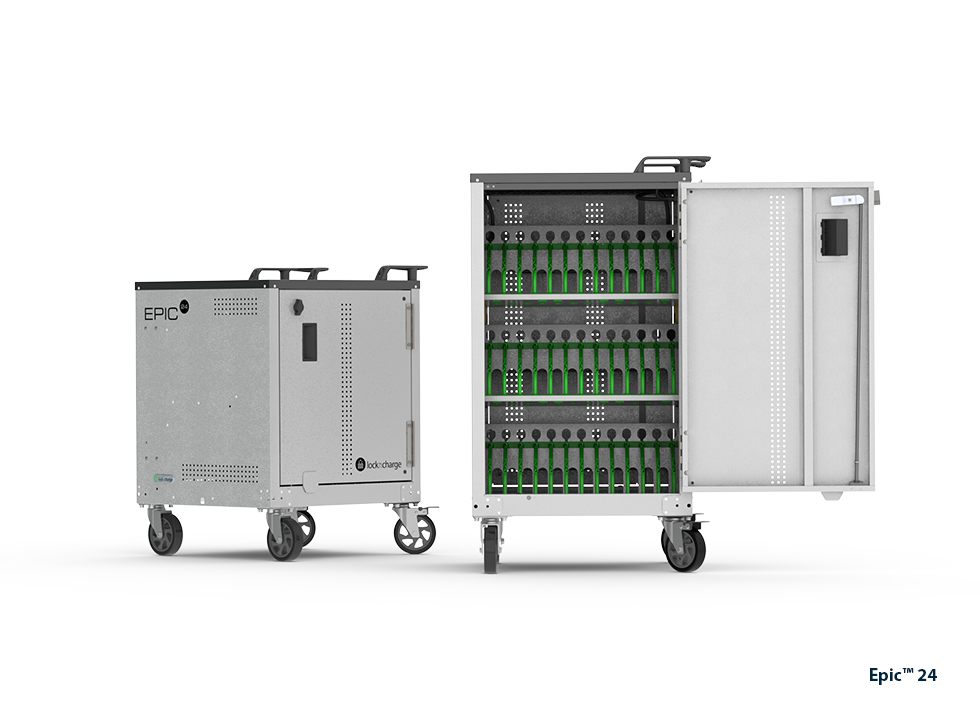
EPIC™ Charging Carts
Affordable, front-loading cart with dividers. Pre-wired optional.
iPad and Tablet Smart Locker Systems
Efficiently manage forgotten, lost, or broken devices.
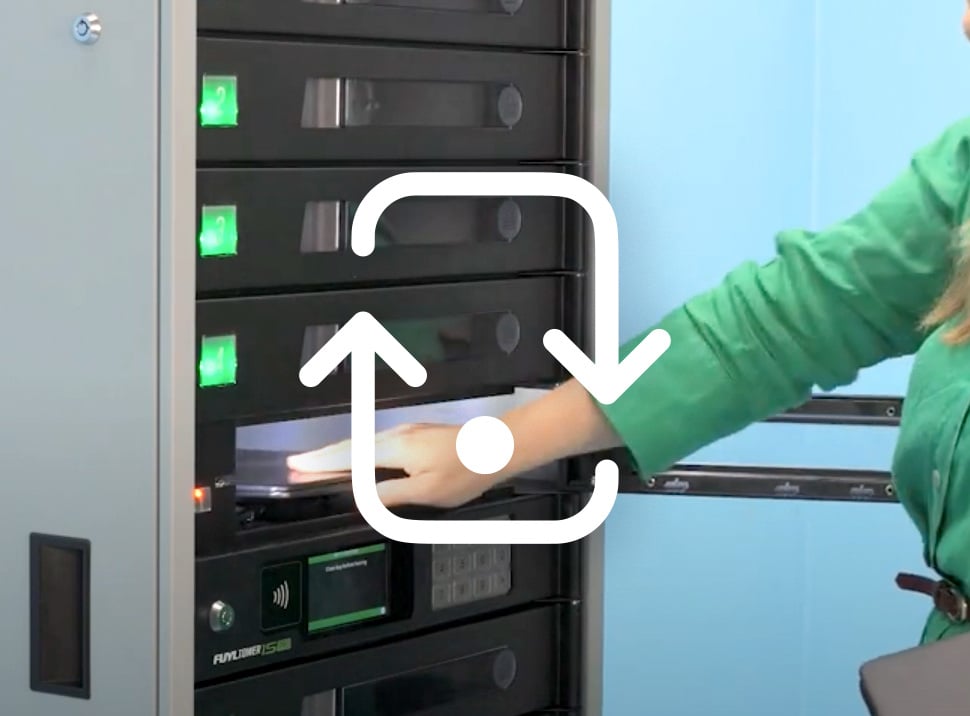
Loan devices
Easily loan devices to students or employees who forget or lose their tablets.
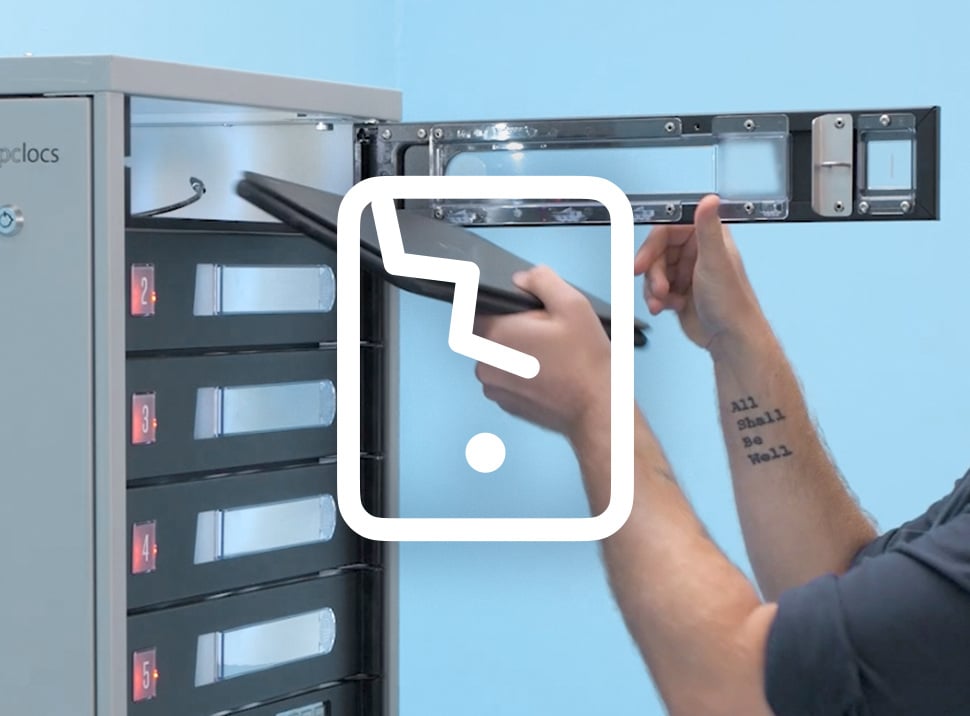
Exchange broken devices
Quickly exchange a broken tablet device when experiencing a hardware issue.
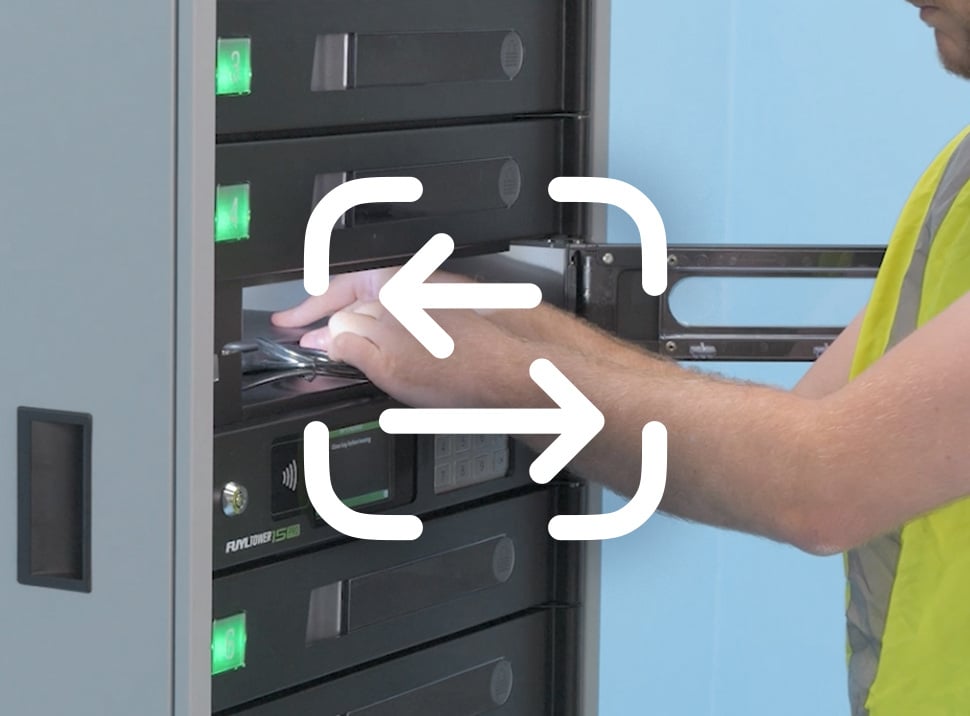
Check out devices
Efficiently provide self-serve access to a device for employees to do their work.
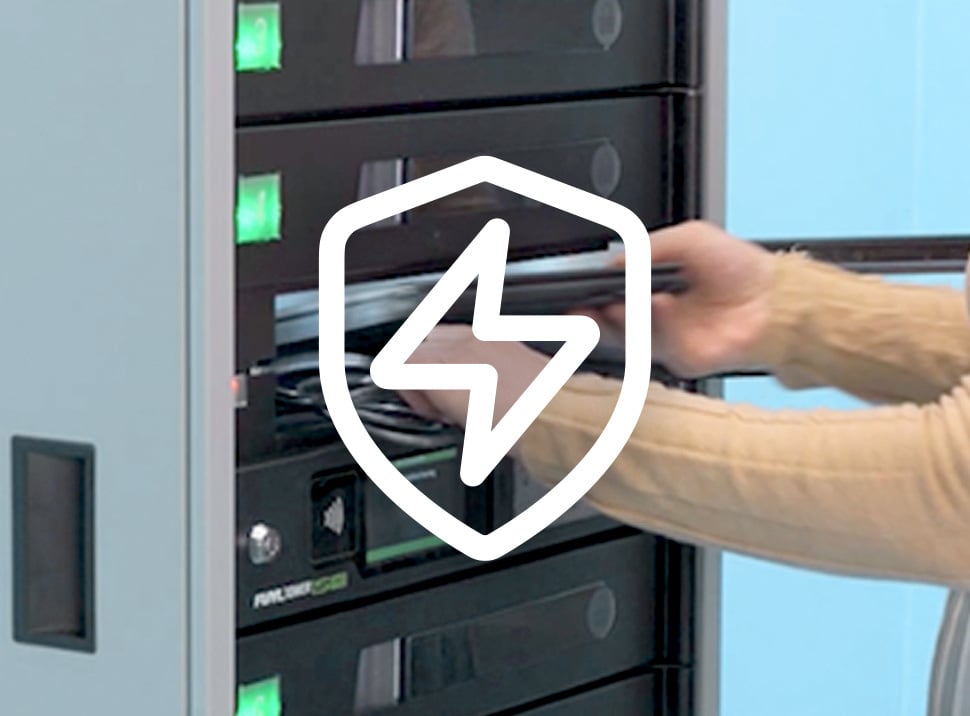
Top off flat devices
Securely charge institution-issued or personal devices that lose charge, without worry.
Tablet Charging Stations for Schools, Healthcare, and Enterprise.
In education, a tablet charging station for schools helps staff keep shared classroom devices powered, organized, and ready for the next lesson.
In healthcare, tablets are often shared across shifts, departments, and patient-facing workflows. Secure storage matters just as much as charging, which is why secure tablet charging lockers can help clinical teams protect devices between uses while keeping them available when needed.
In enterprise, retail, and distribution settings, shared tablets often support point-of-sale, inventory, check-in, and floor operations.

Customer Stories
Hear the real-world experiences of our customers as they reflect on the impact our unique solutions have on improving efficiency for their organization.
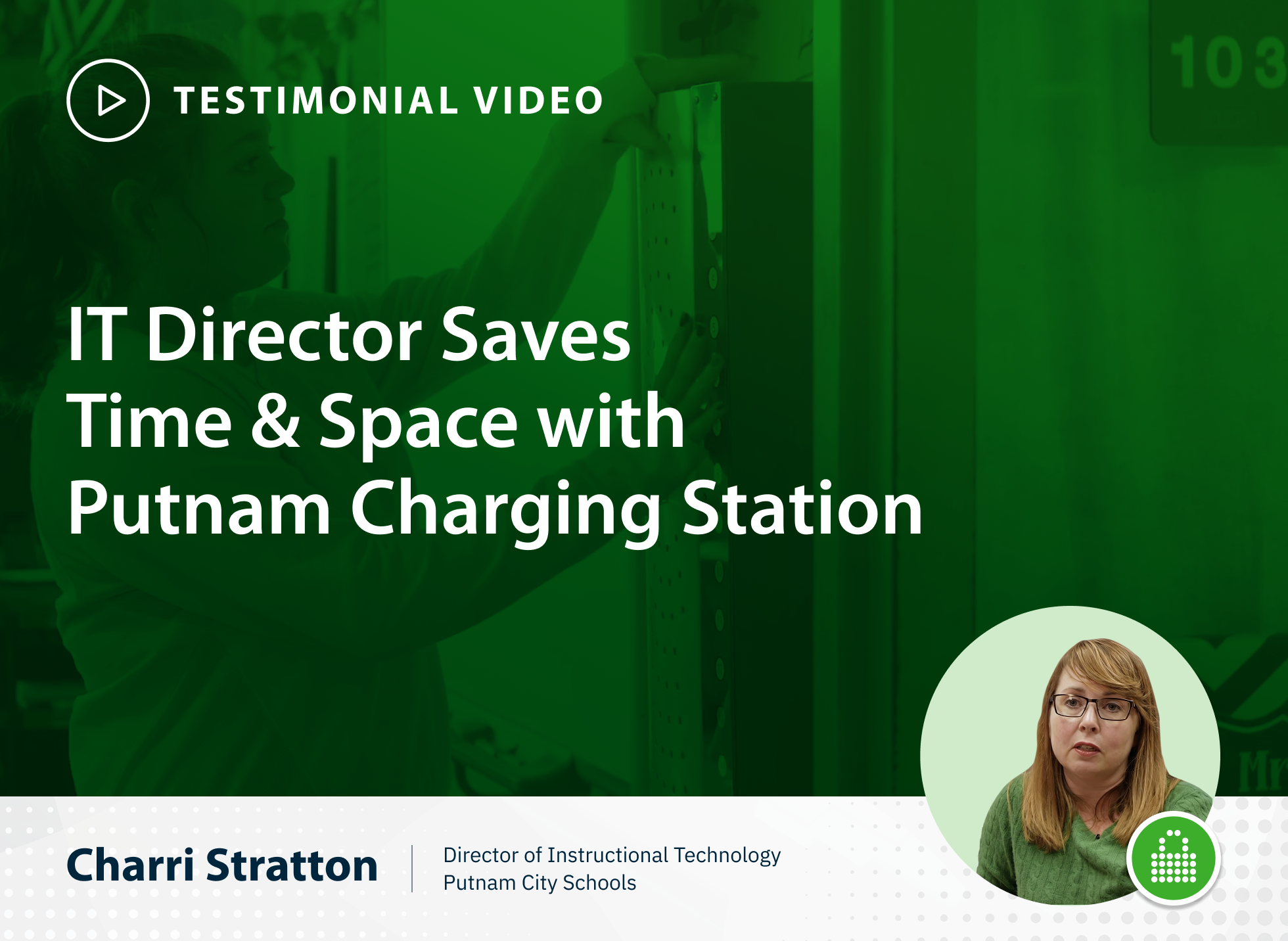
Save Time & Space in Classrooms with Putnam Charging Station
See how Putnam City Schools streamlined device hand-outs and pack-up using LocknCharge’s space-saving Putnam Charging Station—saving valuable teaching time.
Putnam 16 Charging Station Saves Teaching Time in Austin
Discover how Austin teacher Shane Austin regained valuable instruction time using the Putnam 16 Charging Station with time-saving LED status and tidy setup.