New White Paper: Are Hidden 1:1 Costs Draining Your Budget? LEARN MORE.

Stop Mobile Device Chaos in Your Operation

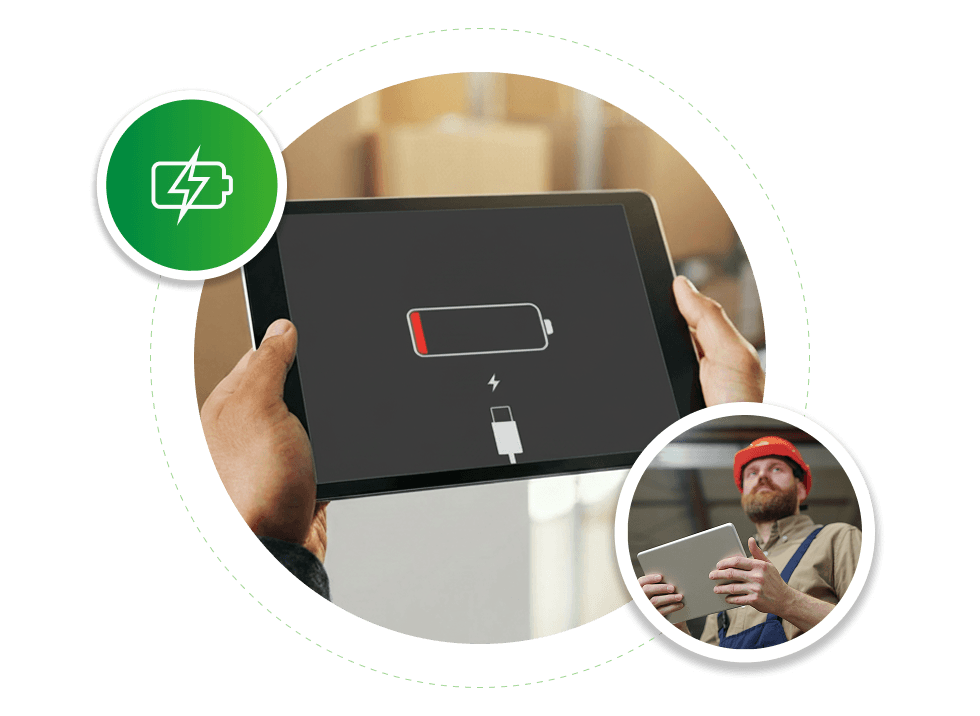
Dead batteries. Missing devices. Workers waiting for equipment.

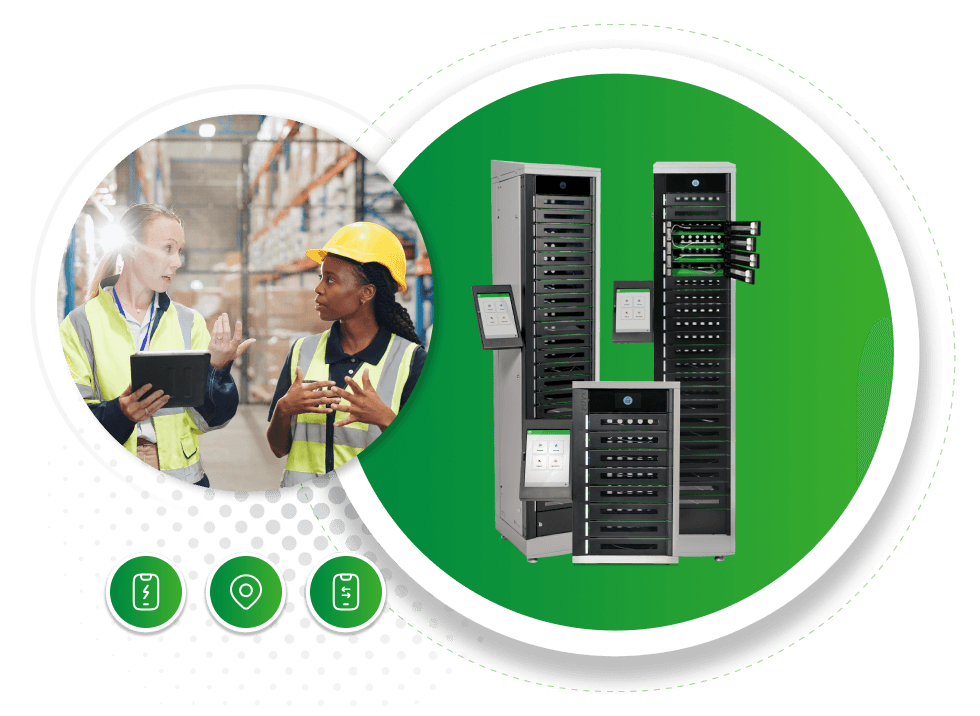
LocknCharge smart lockers automate device access, charging, and tracking so your teams always have the devices they need.

LNC_PCL-Website-Image-Pain-message -with-choice-Hero-980x716

Managing Shared Devices is hard than it should be

Across manufacturing floors, warehouses, hospitals, and large facilities, teams rely on shared mobile devices to get work done.

But without a system in place, device access quickly becomes chaotic.

Common problems include:

  • Workers waiting in line for devices

  • Dead batteries during shifts

  • Devices going missing

  • Manual distribution by supervisors

  • IT managing devices with spreadsheets

  • Workers walking long distances to replace devices

These inefficiencies slow operations and frustrate teams.  
LNC_PCL-Website-Image-Pain-message -with-choice-2
LNC_PCL-Website-Image-Pain-message -with-choice-3

Smart Lockers Automate Device Access

LocknCharge smart lockers create a secure system for managing shared devices.

Workers can quickly access charged devices, return them when finished, and keep operations moving.

Smart lockers provide:

  • Automated device checkout

  • Secure device storage

  • Integrated device charging

  • Device usage tracking

  • Visibility into available devices

But there isn't just one way to deploy smart lockers.

Different operations use different device access models.

Which device workflow fits your operation? 


Companies typically deploy smart lockers using one of two approaches. Choose the model that best matches how your team works

Option 1

Centralized Shared Device Pool

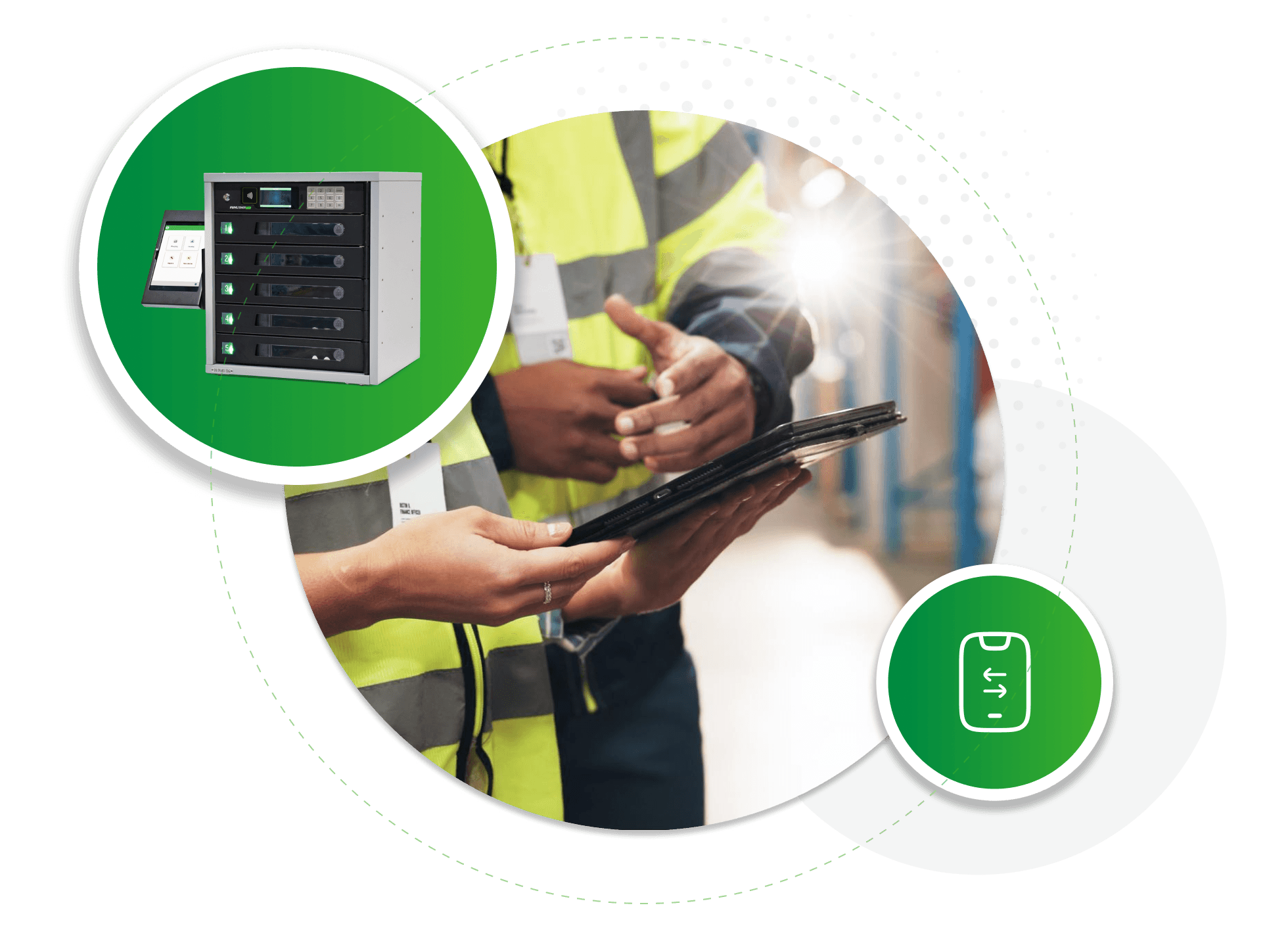
Devices are stored in a central locker bank near shift entrances.

Workers check out devices at the start of their shift and return them when finished.

Best for:

  • Shared devices between shifts

  • Manufacturing plants

  • Warehouses

  • Distribution centers

  • Operations with shift changes

Benefits:

  • Eliminates shift change queues

  • Ensures devices are always charged

  • Improves device tracking and accountability


Option 2

Distributed Work Zone Lockers

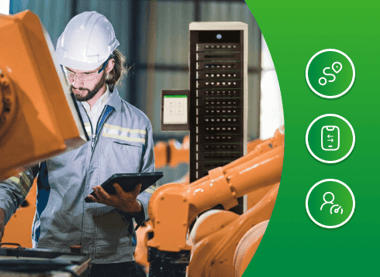
Devices are placed in smaller lockers across the facility near work areas.

Workers can quickly swap devices during their shift without leaving their work zone.

Best for:

  • Large facilities

  • Task-based device usage

  • Frequent device swaps

  • Production lines

Benefits:

  • Reduces walking distance

  • Faster device replacement

  • Keeps workers productive

LNC_PCL-Website-Image-Pain-message -with-choice-4
LNC_PCL-Website-Image-Pain-message -with-choice-5