Charging Carts for iPads, Chromebooks, and Tablets
Shared device programs break down when devices are not charged, easy to find, or ready to move. A charging cart should do more than store hardware. It should help teachers, staff, and IT teams charge devices overnight, hand them out quickly, and move them between classrooms, departments, or clinical areas without cable chaos.
LocknCharge charging carts support iPads, Chromebooks, tablets, laptops, and mixed fleets in 20-, 24-, 30-, 36-, and 40-device configurations.

Trusted by more than 20,000 organizations worldwide






Flexible mobile device charging carts for your learning or working environment
From a single classroom to a district IT department, clinical unit, media center, or shared workplace program, LocknCharge carts help teams organize 20 to 40 devices in one secure mobile charging setup.
Choose by capacity, loading style, cable configuration, and the way users access devices during the day:
- For fast classroom handout, top-loading carts with baskets help users move groups of devices at once.
- For space-conscious front-loading storage, cabinet-style carts can support large Chromebook or laptop fleets.
- For device programs that need fewer loose power bricks, USB-C pre-wired configurations can reduce setup work and cable clutter for compatible fleets.
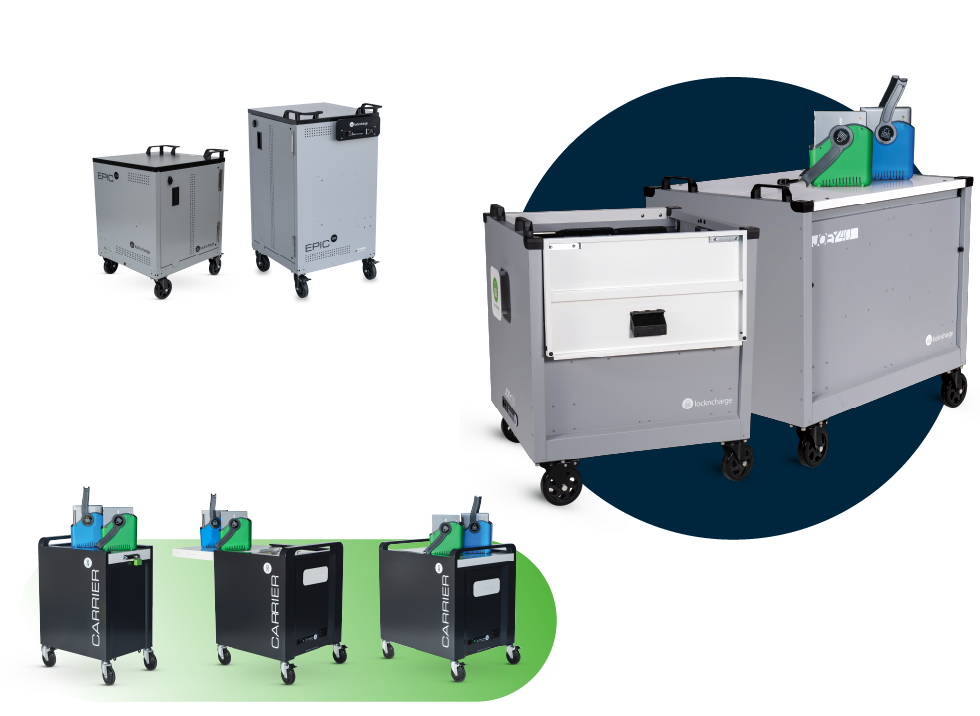
Charging carts built to reduce setup time and cable management problems
LocknCharge basket-based carts are designed for faster device distribution and collection. Top-loading models with baskets allow multiple people to access groups of devices at the same time.
LocknCharge’s comparison testing shows a 30-device top-loading cart with baskets can save 70 hours of distribution and collection time per cart per year compared with a traditional front-loading cart with shelves.

Looking for a more efficient way to control individual access to devices?
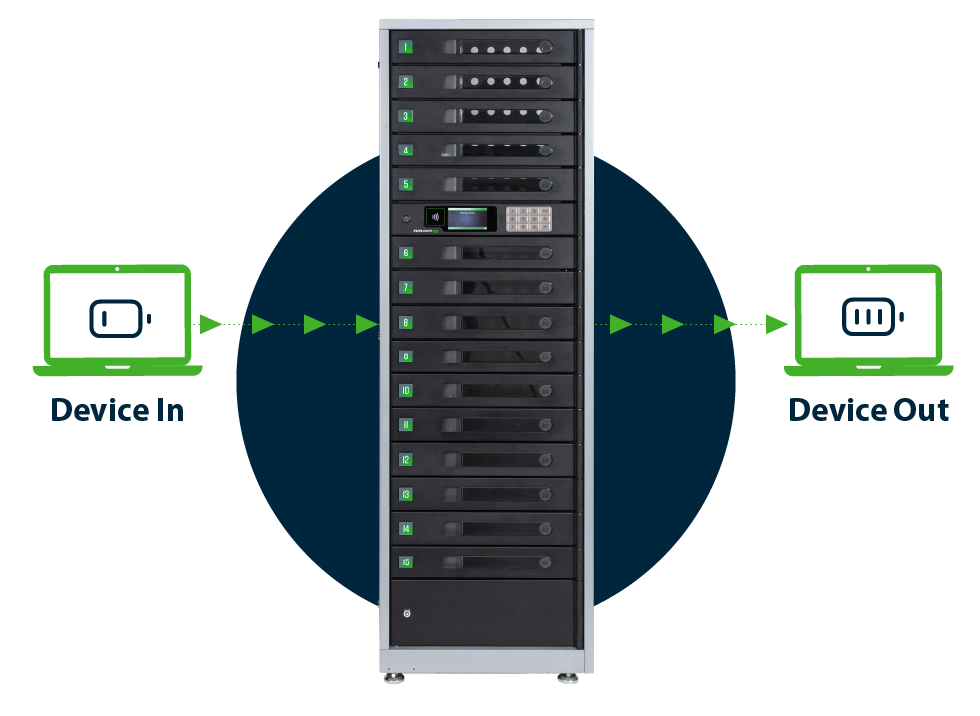
Charging carts work best when a group needs shared access to a device pool. When your workflow requires individual checkout, loaner access, repair drop-off, or a clear record of who took which device and when, the FUYL Smart Locker System adds self-serve access control, secure charging, and audit visibility to the device management process.
Why schools and IT teams choose LocknCharge charging carts

Fast setup and easier maintenance
USB-C pre-wired options reduce cabling work, while serviceable cable areas help IT teams replace cords or power supplies when needed.
Time-saving device baskets
Joey and Carrier top-loading carts use baskets or racks to simplify handout, collection, and transport.

Lockable mobile storage
Lockable enclosures help protect devices while carts are parked, stored, or charged overnight.

Built to last, backed by robust warranty
Durable construction helps each charging cart handle daily movement, shared use, and device turnover while supporting a longer product life.

Space-conscious capacity
LocknCharge carts cover 20-, 24-, 30-, 36-, and 40-device needs without forcing every program into the same footprint.
Universal compatibility
Cart lines support many iPads, Chromebooks, tablets, laptops, and mixed fleets. Device dimensions, case thickness, connector type, and model requirements should be confirmed before ordering.Choosing the right charging cart: Capacity, loading style, and pre-wiring
✓ Start with capacity. A charging cart for 20 or iPads can fit a single classroom, small device pool, or specialized program. A 30-device model suits shared-classroom programs, while 40-device carts support larger pools or multi-classroom distribution.
✓ Next, consider loading style. A top-loading charging cart with baskets gives users simultaneous access and reduces bending during hand-out. Front-loading carts can suit tighter spaces or programs where individual-slot access matters more than speed.
✓ Finally, look at pre-wiring. A pre-wired charging cart comes with USB-C cables installed and organized before it arrives, which can save about 30 minutes of setup on a 30-capacity cart. Adapterless configurations charge compatible USB-C devices without individual power bricks, reducing cable clutter and simplifying fleet management.
High-capacity, universal charging carts
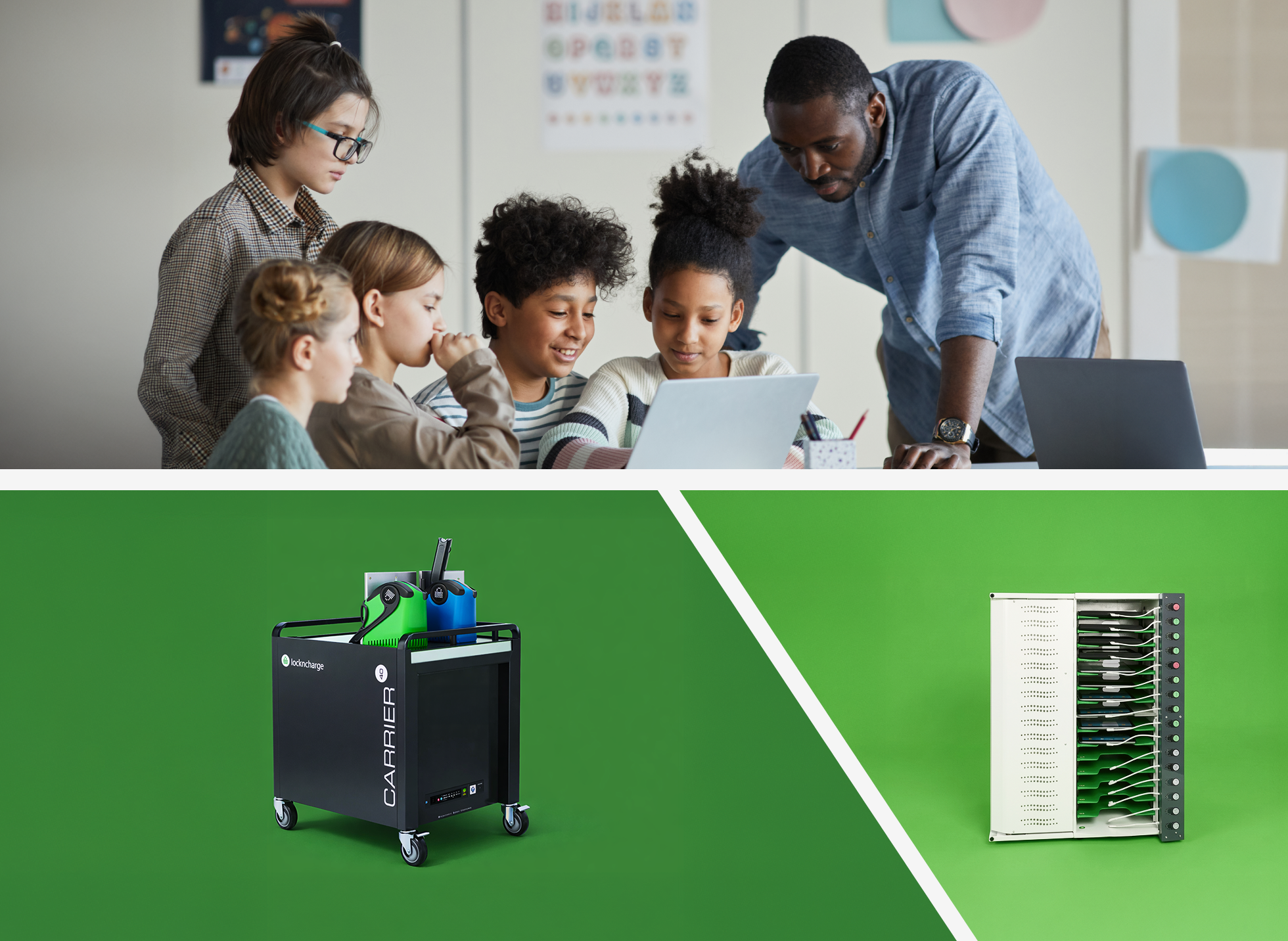
Select the device charging cart that fits your capacity, loading style, and mobility needs. Joey, EPIC, and Carrier carts support iPads, Chromebooks, tablets, laptops, and mixed fleets, with USB-C pre-wired and adapterless configurations available for compatible device programs. For large laptop fleets, compare each laptop charging cart by device dimensions, case thickness, and preferred loading style before choosing a model.
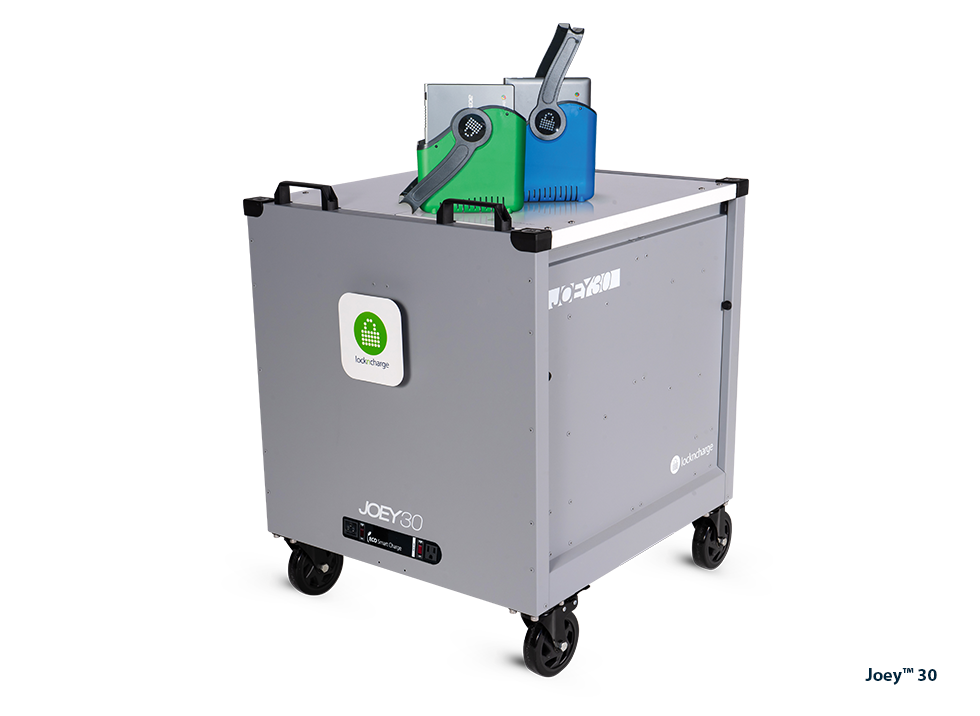
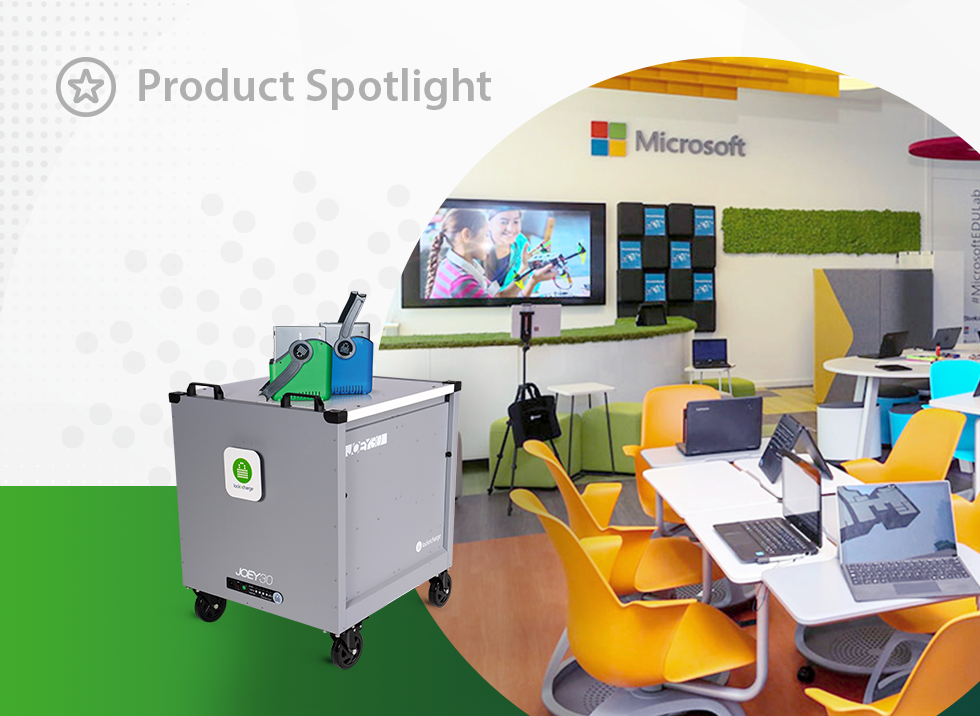
Joey™ 30 Charging Cart
High-value, top-loading cart with baskets and racks. Pre-wired optional.
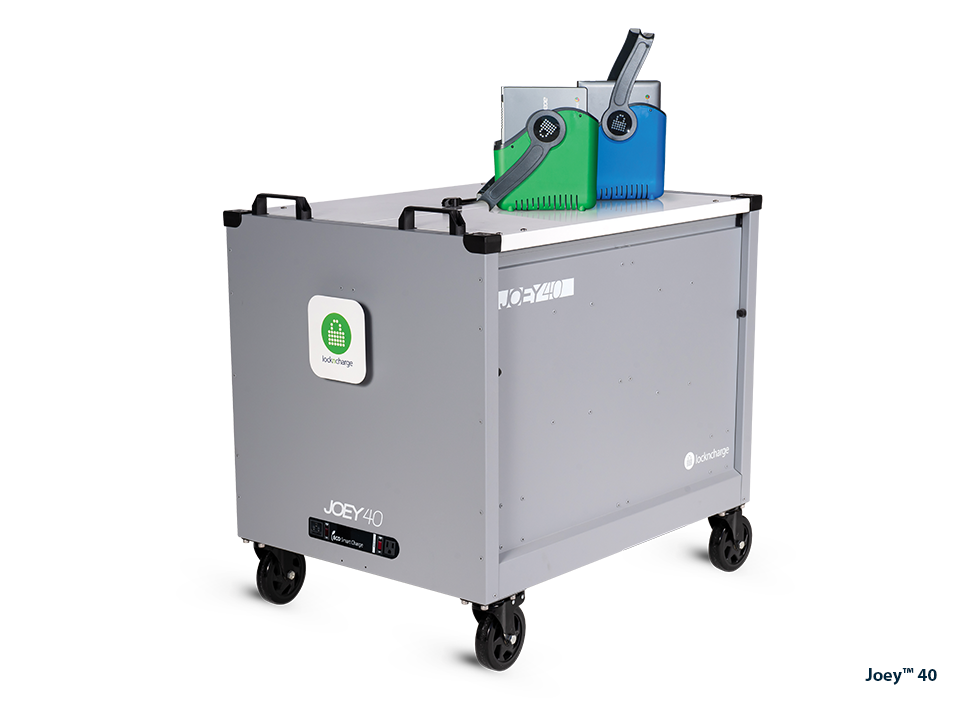
Joey™ 40 Charging Cart
High-value, top-loading cart with baskets and racks. Pre-wired optional.
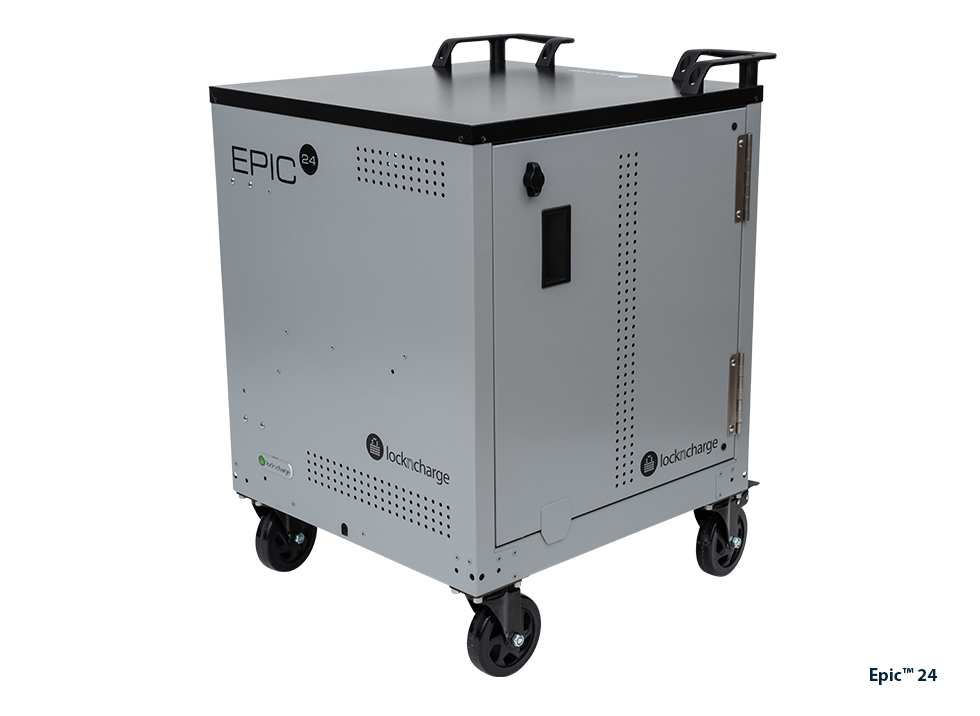
EPIC™ 24 Charging Cart
Affordable, front-loading cart with dividers. Pre-wired optional.
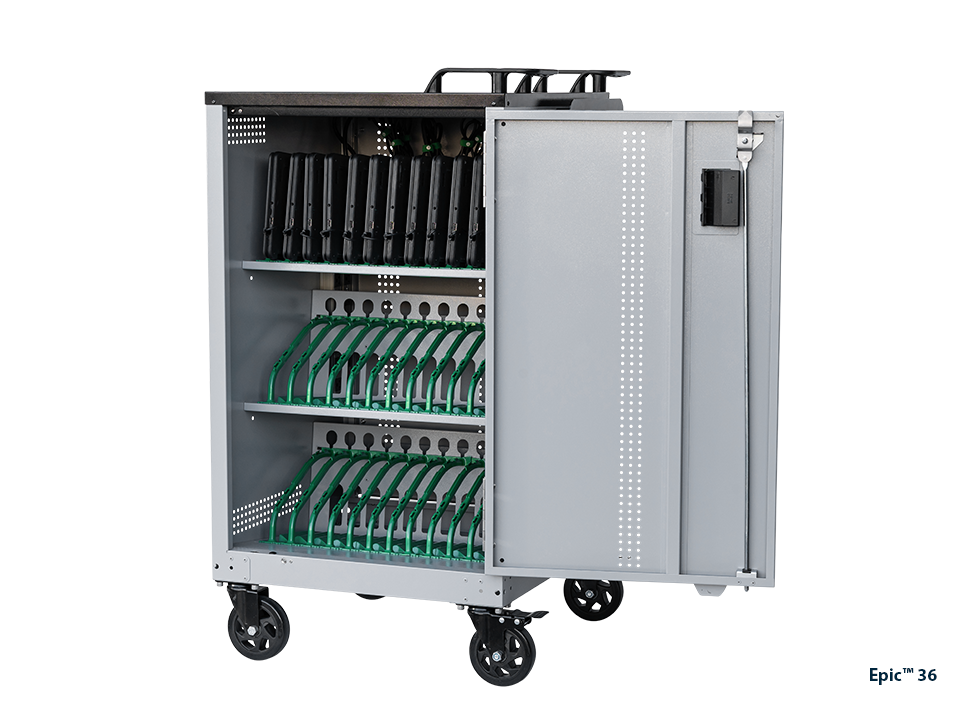
EPIC™ 36 Charging Cart
Affordable, front-loading cart with dividers. Pre-wired optional.
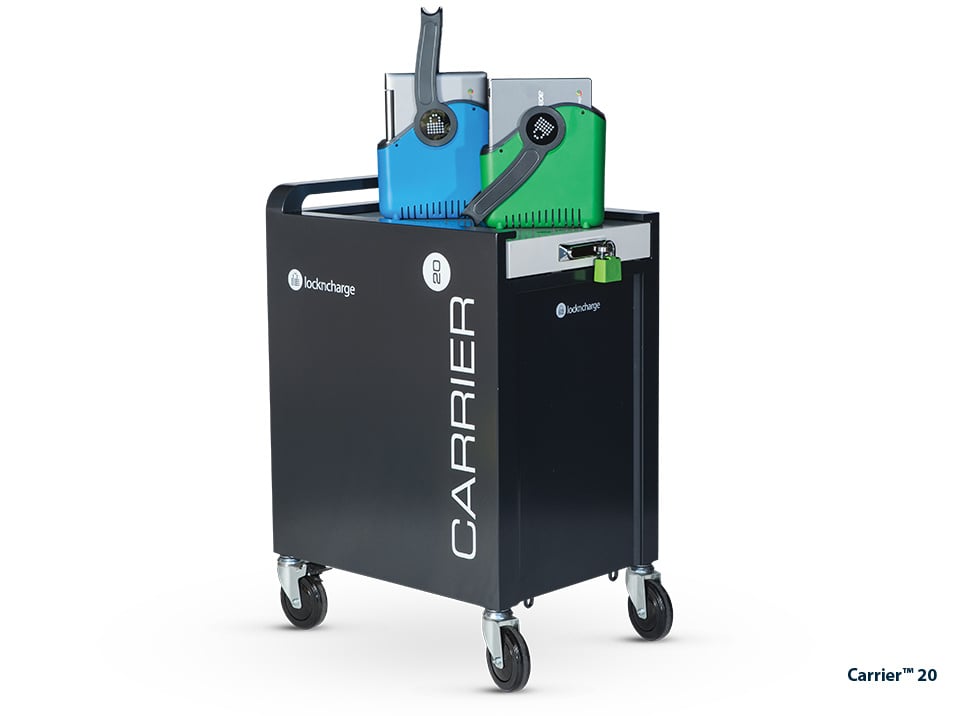
Carrier™ 20 Charging Cart
Ultra-durable, top-loading cart with baskets or racks. Pre-wired optional.
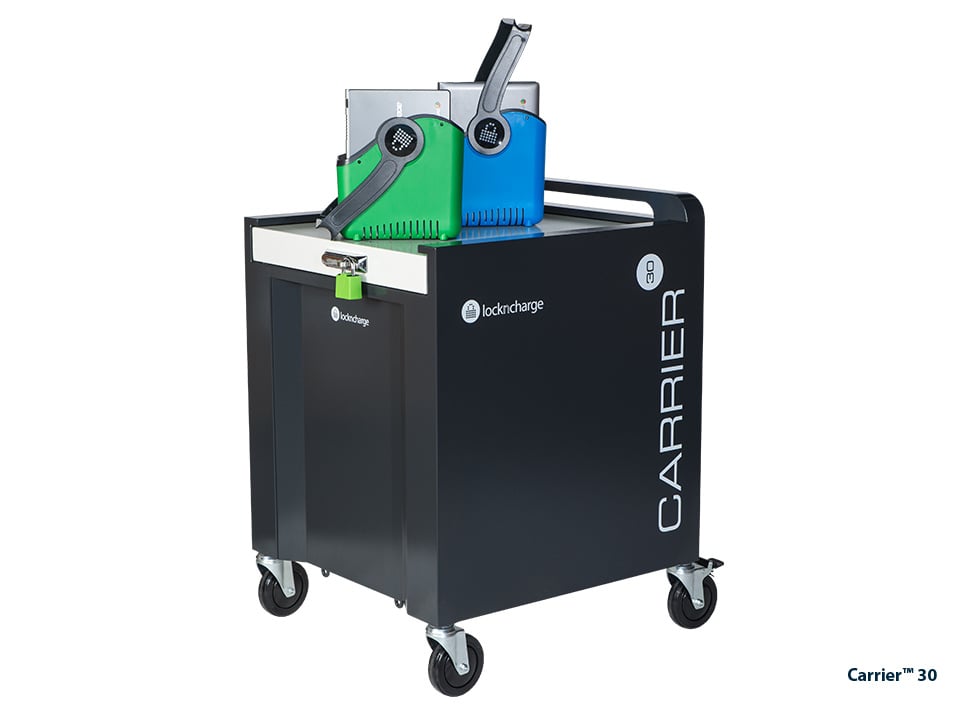
Carrier™ 30 Charging Cart
Ultra-durable, top-loading cart with baskets or racks. Pre-wired optional.
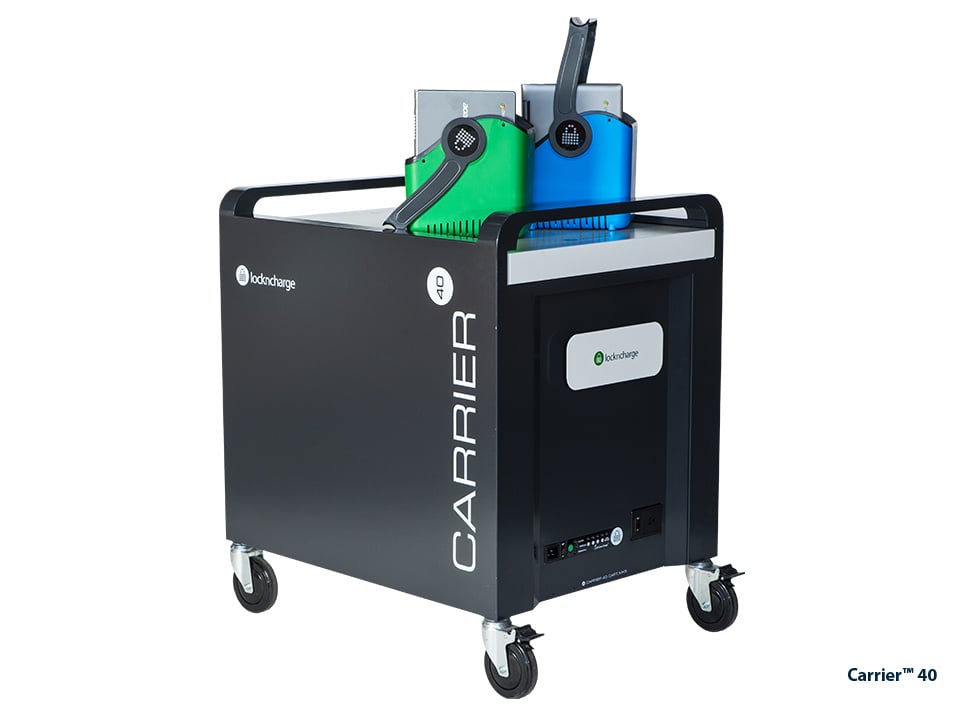
Carrier™ 40 Charging Cart
Ultra-durable, top-loading cart with baskets or racks. Pre-wired optional.
How to choose the right charging cart for your environment
Three factors determine which cart fits your environment:
-
How many devices you need to charge at the same time
-
Whether the cart will move between rooms or departments
-
What device types you are deploying
Use the guidance below to match the cart to the workflow, not just the device count.
K–12 classrooms and shared device programs
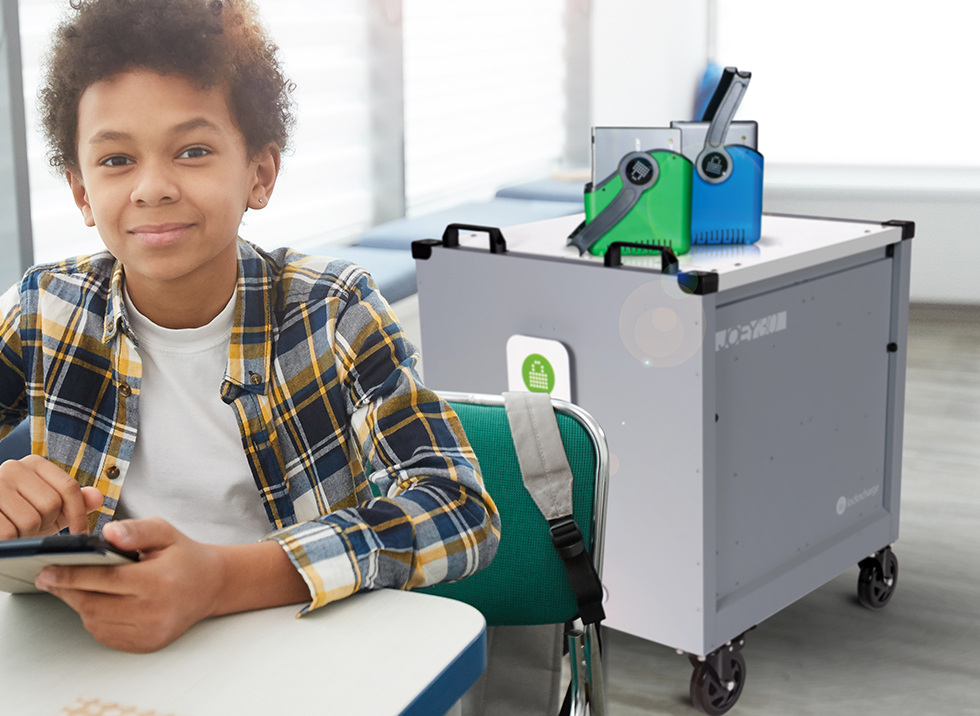
When evaluating charging carts for classrooms, look at two operational details first: how many devices need to be deployed at once and how often the cart moves between rooms.
- For iPad programs, the Joey Charging Cart supports 30 or 40 devices and uses a basket-based, top-loading design for quick handout and collection.
- For Chromebook programs that need 20-, 30-, or 40-device capacity, the Carrier Charging Cart offers top-loading access, baskets or racks, USB-C pre-wired options, and a durable welded-steel build.
- For larger Chromebook or laptop programs that prefer front-loading access, the EPIC Charging Cart supports 24 or 36 devices in a lockable cabinet design.
- For device-specific planning, compare Chromebook charging solutions and iPad charging solutions.
Healthcare and clinical environments
In clinical environments, shared tablets and laptops move between wards, units, and care settings across shifts. Devices need to be charged, secure, and easy to find at handover — regardless of which staff member used them last.
LocknCharge carts, stations, and smart lockers support healthcare teams that need reliable device readiness across departments.
The Carrier Charging Cart is a strong fit for shared clinical fleets that need mobility, lockable storage, and flexible 20-, 30-, or 40-device capacity.

Shared device mobility: Carts that move between rooms
A charging cart on wheels needs more than mobility. Day-to-day usability depends on cable organization, locking, maneuverability, and whether users can access devices quickly without crowding around one side of the cart:
- For an iPad cart on wheels, top-loading baskets can help teachers distribute devices faster.
- For a mobile charging cart that travels between classrooms, testing rooms, departments, or care units, durable casters, handles, and protected cable paths make the cart easier to use in real conditions.
- For smaller groups, a portable charging cart or station may be enough.
- For larger shared fleets, choose capacity around the largest simultaneous user group.
Customer Stories
Does anyone actually love their charging cart? Turns out, they do — especially when it saves time during device hand-out, keeps carts organized, and helps classrooms, schools, and businesses move devices without the usual cable chaos.

Como Primary Speeds Up Device Hand-Out with Carrier 40 Cart
Discover how Como Primary School streamlined iPad distribution using LocknCharge Carrier 40 Cart — increasing classroom time and easing tech workflows.
Customer Voices: LocknCharge Mobile Device Carts Save Significant Class Time
Former math teacher Edward Simoneau talks about how switching from a cabinet style cart to a LocknCharge mobile device cart saves significant time in the classroom.